Intuit isn’t cutting jobs because the business is falling apart.
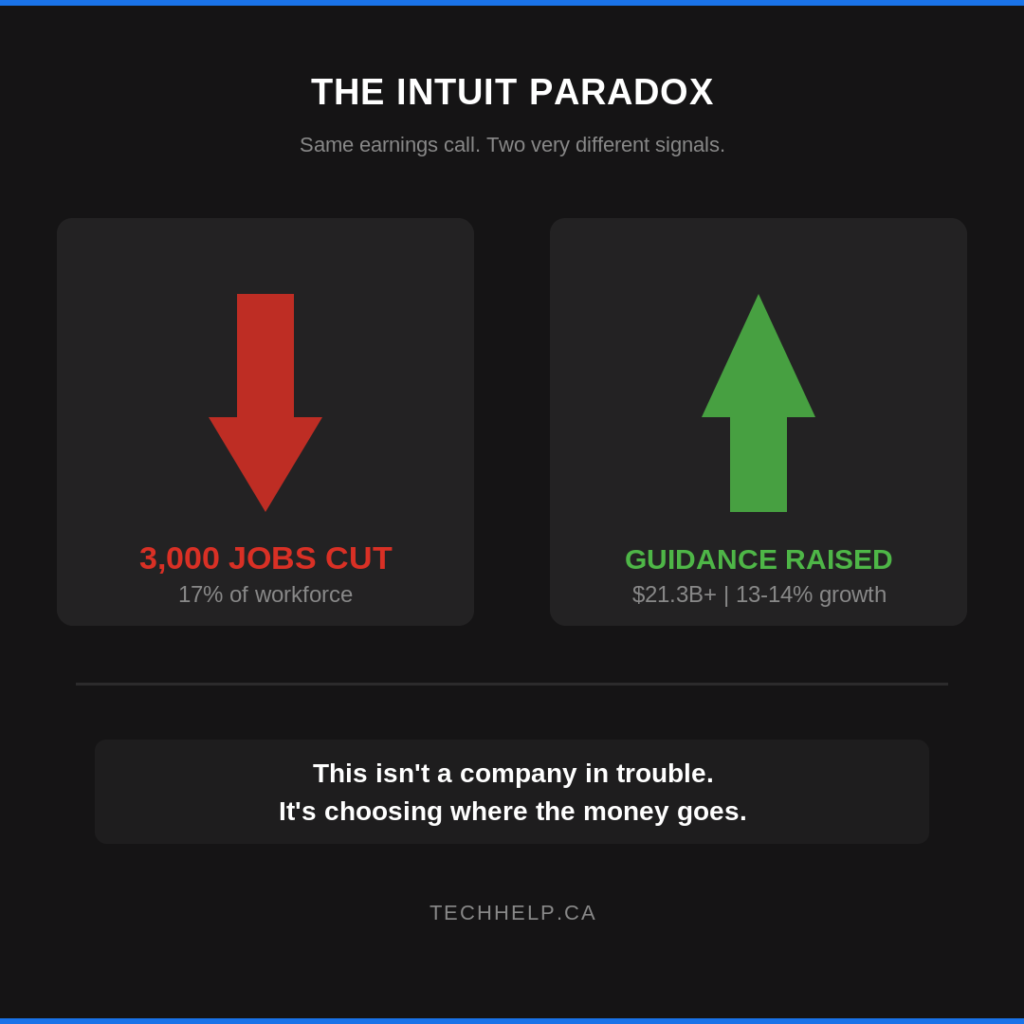
On May 20, 2026, the company said it would reduce its full-time workforce by 17% and take roughly $300 million to $340 million in restructuring charges, according to Intuit’s Q3 fiscal 2026 earnings release. Reuters reported that the cut was about 3,000 employees worldwide.
The timing is the signal for small business owners. In the same earnings release, Intuit reported $8.6 billion in Q3 revenue, up 10%, and raised its full-year revenue guidance to about $21.34 billion to $21.37 billion.
So this isn’t a distress signal. It’s a strategic reset. Intuit is profitable, growing, buying back stock, and pushing harder into AI across QuickBooks, TurboTax, Credit Karma, Mailchimp, and Intuit Enterprise Suite.
If your business runs on QuickBooks, the question isn’t whether Intuit is going away. It isn’t. The question is how your daily experience may change as Intuit shifts more work from human teams into software, AI agents, and self-service workflows.
Intuit said the workforce reduction is meant to simplify the company and make it faster and more focused. Reuters reported that CEO Sasan Goodarzi framed the move internally as a way to reduce complexity, simplify the structure, and sharpen focus on key bets, including AI.
The company had about 18,200 employees across seven countries as of July 31, 2025. Based on Reuters’ reporting, affected U.S. employees are expected to remain with the company until July 31, 2026, with severance of 16 weeks of base pay plus two additional weeks for every year at Intuit.
The official financial picture is strong. Intuit’s Q3 revenue was $8.558 billion, up from $7.754 billion a year earlier. Global Business Solutions, the segment that includes QuickBooks, grew to $3.3 billion, up 15%. QuickBooks Online Accounting revenue grew 22% in the quarter, driven by higher effective prices, customer growth, and product mix.
That changes how business owners should read the layoff. A weak vendor cutting staff is one kind of risk. A strong vendor cutting staff while redirecting resources is another. The second case doesn’t mean the product is doomed. It means the product roadmap is being rebuilt around a new operating model.
For QuickBooks customers, that operating model is increasingly obvious: more automation, more AI assistance, more integrated workflows, and more software-guided work before a human gets involved.
The AI Bet Behind the Cuts
Intuit’s AI push didn’t begin with the layoff announcement. In November 2025, Intuit announced a multi-year partnership with OpenAI to bring Intuit app experiences into ChatGPT and expand its use of OpenAI models. In February 2026, Intuit announced a partnership with Anthropic to bring financial intelligence and custom AI agents into consumer and business workflows.
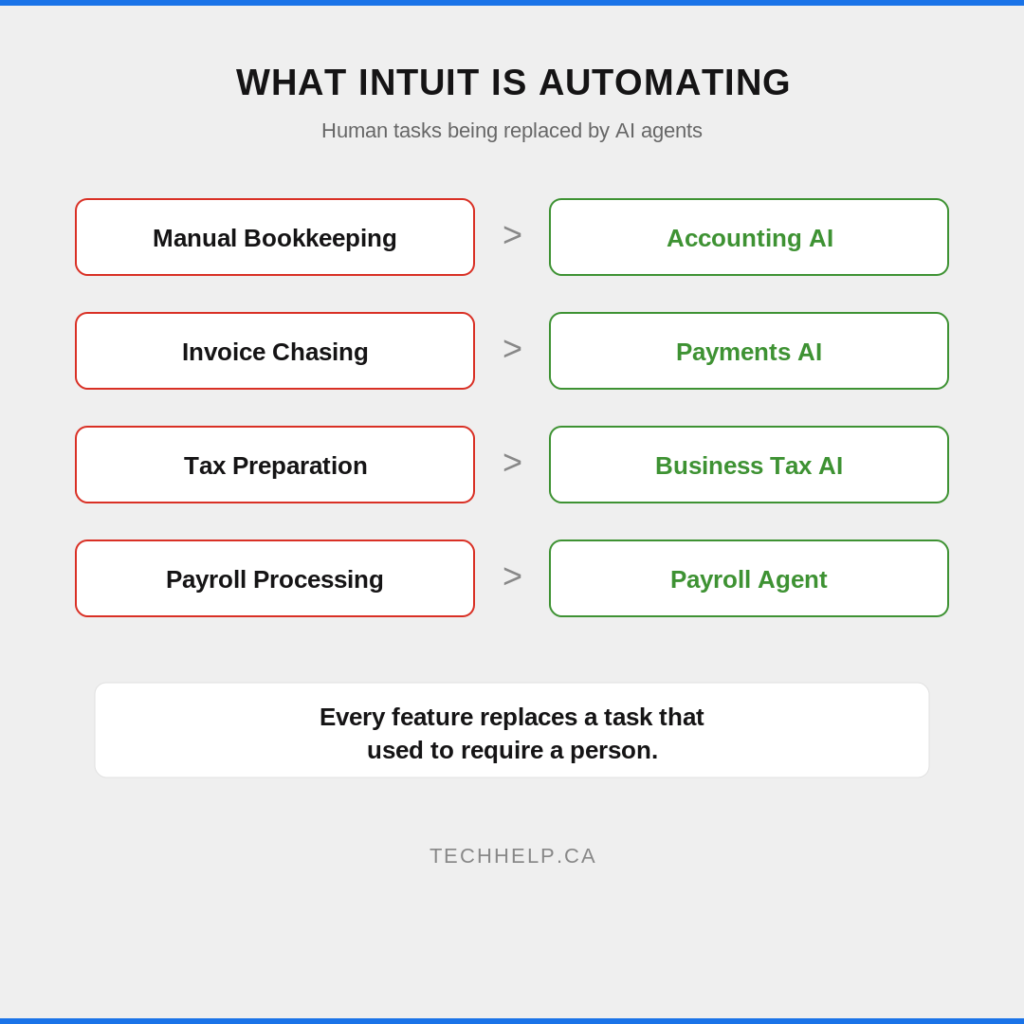
Inside QuickBooks, that direction is already showing up. Intuit’s QuickBooks AI page describes Accounting AI for transaction workflows, Business Tax AI for tax-saving suggestions, Payments AI for invoice reminders and collection strategies, Payroll AI for time and attendance work, and Finance AI for month-end close support and analysis.
Then, on May 6, 2026, Intuit announced QuickBooks Workforce, a human capital management platform that brings payroll, time tracking, benefits, recruiting, onboarding, performance, and compliance into one QuickBooks-connected product. Intuit says its Payroll Agent can collect and validate time data, flag inconsistencies, and run payroll on behalf of the business owner while helping maintain accuracy.
The direction is clear: Intuit wants QuickBooks to move from a system you use to record work into a system that does more of the work for you. For a small business owner, that can be useful. If QuickBooks can suggest invoice reminders, spot payroll inconsistencies, surface missing transaction details, and reduce admin time, the savings are real. The risk is that automation also changes where errors happen, who catches them, and how easily you can reach a human when something doesn’t look right.
What QuickBooks Users May Notice First
The first changes may not feel dramatic. You may see more AI prompts, more suggested actions, more automated categorization, and more nudges to use Intuit’s newer workflow tools.
Support may also feel different during the transition. Intuit hasn’t publicly broken down exactly how many roles were cut from each product team or support function, so customers shouldn’t assume every service channel will get worse. But a 17% workforce reduction is large enough that customers should pay attention to response times, escalation quality, product bugs, and the availability of expert help.
If your QuickBooks setup is simple, you may barely feel the disruption. If you have complex payroll, multi-entity accounting, messy integrations, industry-specific reporting, or a bookkeeper who relies on repeat support interactions, the transition deserves closer monitoring.
The key is to watch your own workflows instead of reacting to the headline alone. If nothing changes for you, fine. If response times slow down or AI suggestions create more review work than they save, you’ll want to know early.
Where the Shift Could Help
The upside is practical. A lot of small business accounting work is repetitive, fragmented, and easy to delay until it becomes painful.
If Intuit’s newer AI features work well, they could help business owners stay closer to the numbers without living inside accounting software. Transaction questions could surface earlier. Invoice follow-ups could happen faster. Payroll prep could involve fewer back-and-forth checks. Month-end review could become less of a scramble.
Used carefully, this kind of automation doesn’t need to replace your accountant, bookkeeper, or judgment. It can remove some of the tedious steps that keep people from reviewing the higher-value issues.
The best version of this shift isn’t “QuickBooks replaces financial oversight.” It’s “QuickBooks handles more routine preparation so humans can spend more time reviewing, advising, and deciding.”
The labor market data points in the same direction. The U.S. Bureau of Labor Statistics projects bookkeeping, accounting, and auditing clerk roles to decline 6% from 2024 to 2034, while accountant and auditor roles are projected to grow 5% over that period. In other words, the routine data-entry layer is under pressure, while advisory and judgment-heavy work still has demand.
Where the Shift Could Create Risk
Automation creates leverage, but it also creates new failure points. If an AI feature categorizes a transaction incorrectly, sends the wrong reminder, misunderstands a payroll issue, or misses a compliance nuance, you still own the outcome. QuickBooks may make the workflow easier, but your business carries the operational risk.
There’s also the issue of escalation. The more software handles the first pass, the more important it becomes to know when and how you can reach a person. This is especially true for payroll, tax, payments, and compliance work, where small mistakes can turn into penalties, employee frustration, or cash flow problems.
Product direction is another risk. Intuit is clearly investing in integrated AI workflows. That may mean older features, edge cases, or less profitable product areas receive less attention. It may also mean more pressure to move into higher-tier plans or bundled products as QuickBooks becomes a broader business operating system.
None of this means you should leave QuickBooks tomorrow. It does mean you shouldn’t treat your accounting platform like a passive utility. It’s becoming an active decision-making layer in your business.
The Vendor Concentration Question
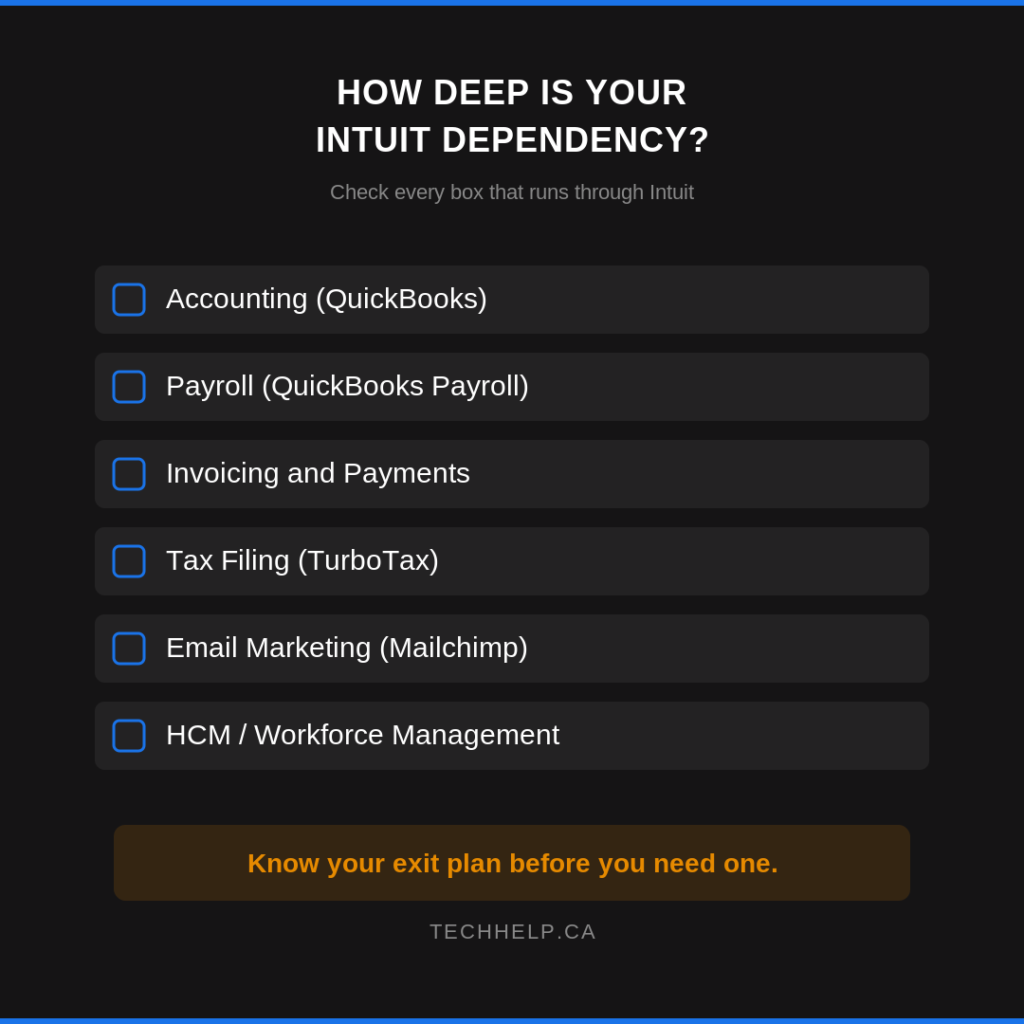
This is a good time to ask a question most small business owners put off: how much of your operation depends on one vendor?
If QuickBooks handles your accounting, invoicing, payroll, payments, time tracking, and now potentially more of your workforce management, Intuit sits close to the center of your business. That can be convenient. It can also create concentration risk.
The risk isn’t just “what if QuickBooks goes down?” It’s broader than that:
What if a pricing change affects several workflows at once?
What if support gets weaker for the plan you’re on?
What if an AI feature changes how work is completed or reviewed?
What if your accountant or bookkeeper doesn’t trust a new workflow yet?
What if your data is harder to move than you expected?
You don’t need to panic-switch. Migration is disruptive, especially in the middle of a tax year or payroll cycle. But you should know where your data lives, what you can export, which workflows are hardest to move, and which alternatives could absorb your setup if you ever had to leave. That kind of planning isn’t anti-QuickBooks. It’s good operations.
What to Do Now
Start by testing Intuit’s AI features on low-risk work. Try transaction suggestions, invoice reminders, receipt handling, or reporting assistance before trusting automation with payroll, tax, or compliance-sensitive decisions.
Keep your accountant or bookkeeper in the loop. If QuickBooks suggests a workflow change, ask whether it improves accuracy or simply moves the review burden somewhere else. A tool that saves five minutes but creates a harder audit trail may not be worth it.
Review your support path as well. Know which plan you’re on, what support channels you have access to, and how urgent issues are handled. If payroll or payments are business-critical, don’t wait for an emergency to find out how escalation works.
Then document a simple plan B. You don’t need a full migration project. You need a basic record of your exports, integrations, renewal dates, critical workflows, and viable alternatives. Spend an hour on it now so you aren’t figuring it out under pressure later.
If you’re building a broader automation strategy, it may help to revisit the difference between rule-based automation and more adaptive AI systems. Tech Help Canada’s guide to Robotic Process Automation explains where RPA works well, while the guide to AI agents covers systems that can reason, adapt, and take action with less step-by-step instruction.
Final Thoughts
Intuit’s layoffs don’t mean QuickBooks is in trouble. The opposite may be closer to the truth: QuickBooks is important enough to Intuit’s future that the company is reorganizing around a more automated version of it.
For business owners, that’s both promising and uncomfortable. Routine financial work may get faster, but the tools you rely on are changing whether you’re ready or not. More automation means more convenience, but it also means you need better oversight, clearer escalation paths, and a stronger grip on your own data.
Don’t make a fear-based switch, but don’t ignore the shift either. Use the next few months to test the new features, watch support quality, tighten your review process, and document your backup options. If Intuit’s AI bet pays off, you’ll be ready to benefit from it. If the transition gets messy, you won’t be starting from zero.
Tech Help Canada Staff researches, writes, and reviews practical content for business owners and professionals. Our coverage spans business, marketing, SEO, technology, and the tools and systems people use to grow and operate online. We focus on clear, useful information backed by research, hands-on experience, and editorial review. Learn more about our team and editorial standards. Need help with something? Contact Us