
When you ask CopyHub for a finished piece of copy, it usually places the draft in the editor.
The editor is where you can polish, format, save, copy, and export your work.
Ask for a final deliverable
If you want CopyHub to write in the editor, ask for a clear deliverable.
For example:
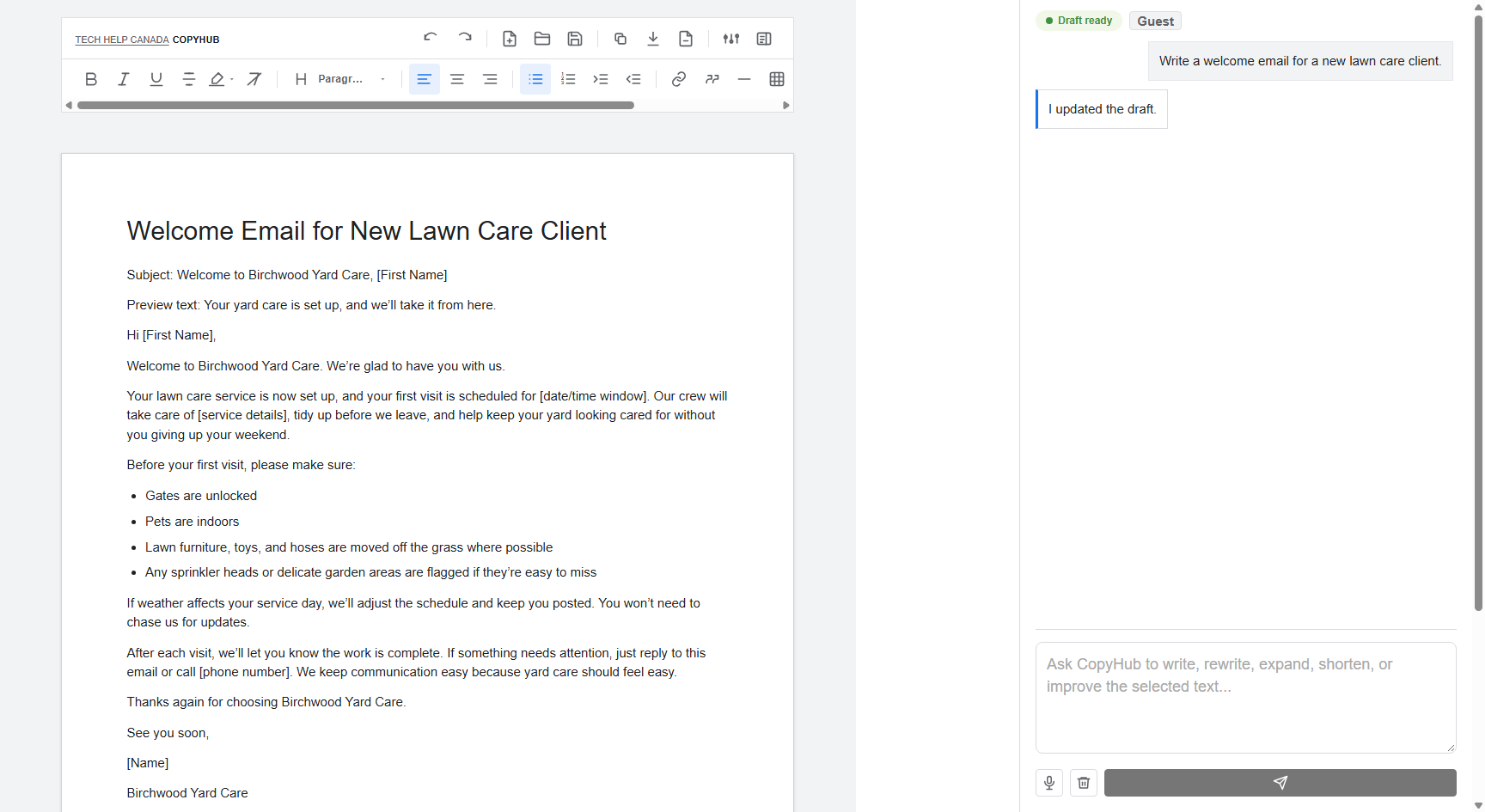
Write a welcome email for a new client.
Write a landing page for our SEO services.
Write a product page for a ceramic frying pan.
Write a blog post about how small businesses can use AI.
These are final-copy requests, so they belong in the editor.
If the editor is empty
If the editor is empty and you ask for a draft, CopyHub should place the result in the editor.
This gives you something you can edit, format, save, or export.
If the editor already has a draft
If the editor already contains important work, CopyHub may avoid changing it right away.
It may answer in chat first, especially if your request sounds like a suggestion, question, outline, or planning request.
That helps avoid replacing work you already edited.
How to be clear
If you definitely want the editor updated, say:
Put this in the editor.
Or:
Replace the current draft with the new version.
Or:
Append this to the end of the draft.
What to do if CopyHub answers in chat
If CopyHub gives you the copy in chat but you wanted it in the editor, reply with:
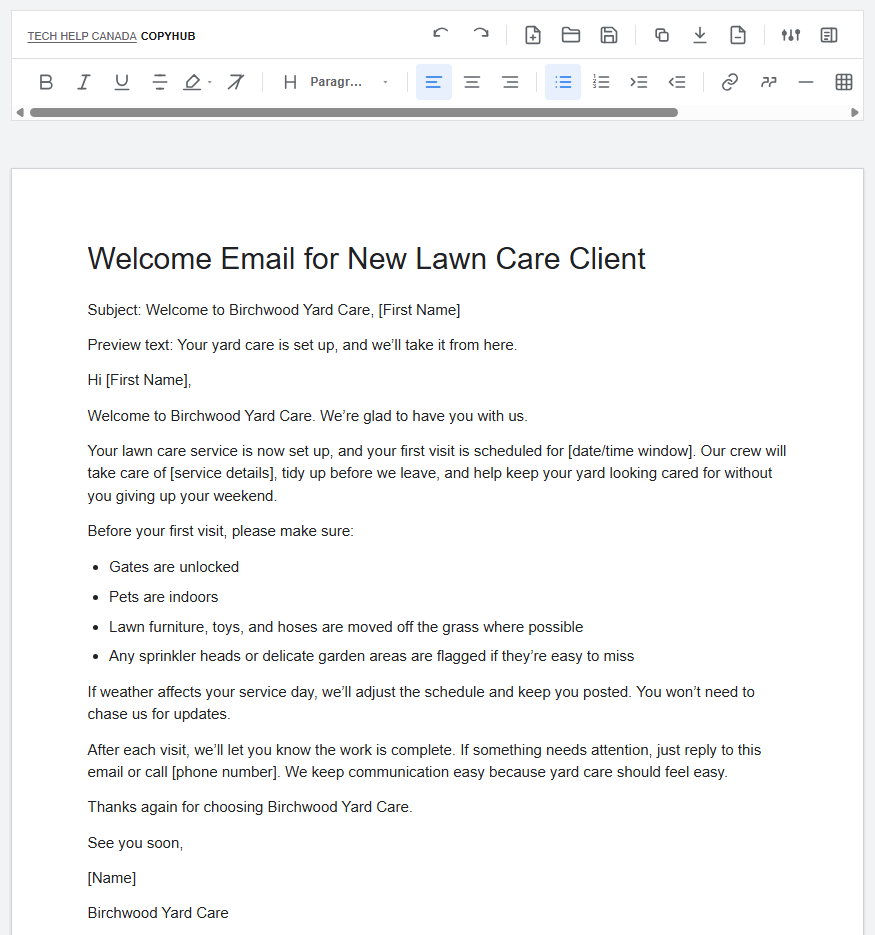
Put that in the editor.
CopyHub should then move or apply the content to the editor.
Tip
Use chat for thinking and the editor for finished copy.
That simple rule helps you get more predictable results.

I can suggest related Tech Help Canada articles based on the topic you’re reading now.

Tech Help Canada Staff researches, writes, and reviews practical content for business owners and professionals. Our coverage spans business, marketing, SEO, technology, and the tools and systems people use to grow and operate online. We focus on clear, useful information backed by research, hands-on experience, and editorial review. Learn more about our team and editorial standards. Need help with something? Contact Us