
CopyHub Lite is a smaller version of CopyHub that may appear on landing pages or promotional pages.
It lets you try CopyHub quickly without opening the full workspace first.
What CopyHub Lite does
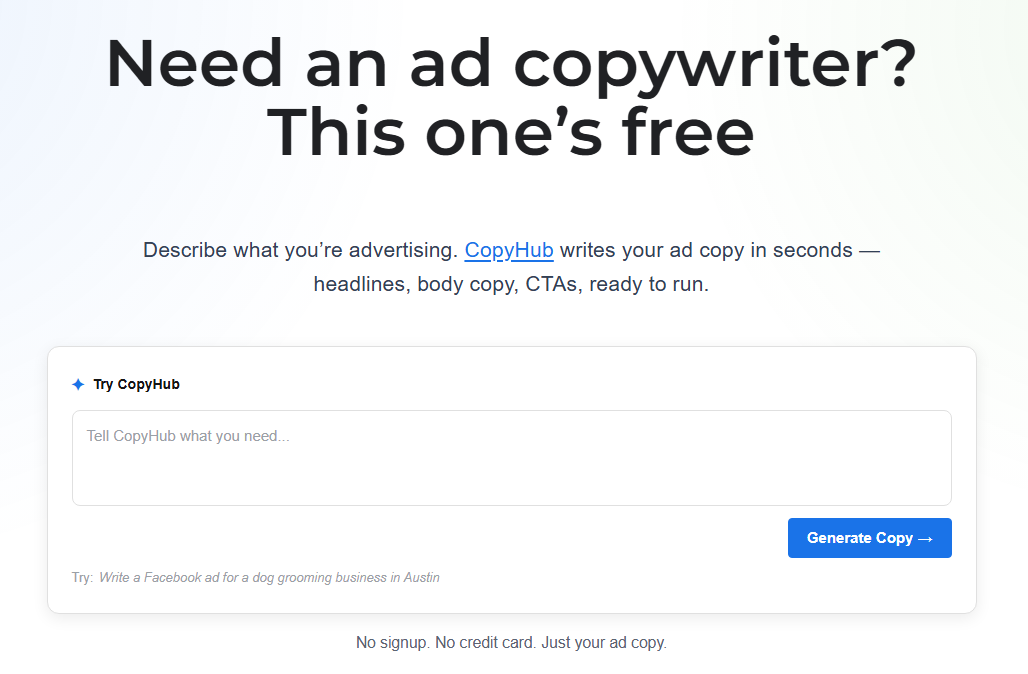
CopyHub Lite lets you:
- Enter a short prompt.
- Generate copy.
- View formatted output.
- Copy the result.
- Continue editing in the full CopyHub workspace.
It’s designed for quick examples and focused writing tasks.
How to use it
- Type what you need into the prompt box.
- Click Generate Copy.
- Wait for CopyHub to create the output.
- Copy the result or continue editing in the full workspace.
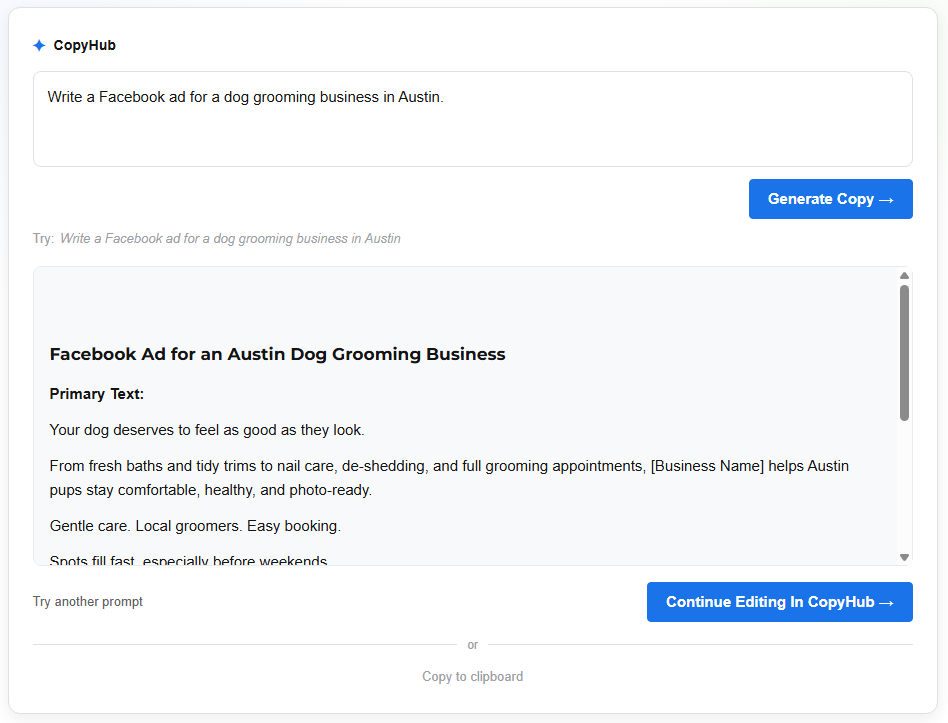
Example prompt:
Write a Facebook ad for a dog grooming business in Austin.
When to continue in CopyHub
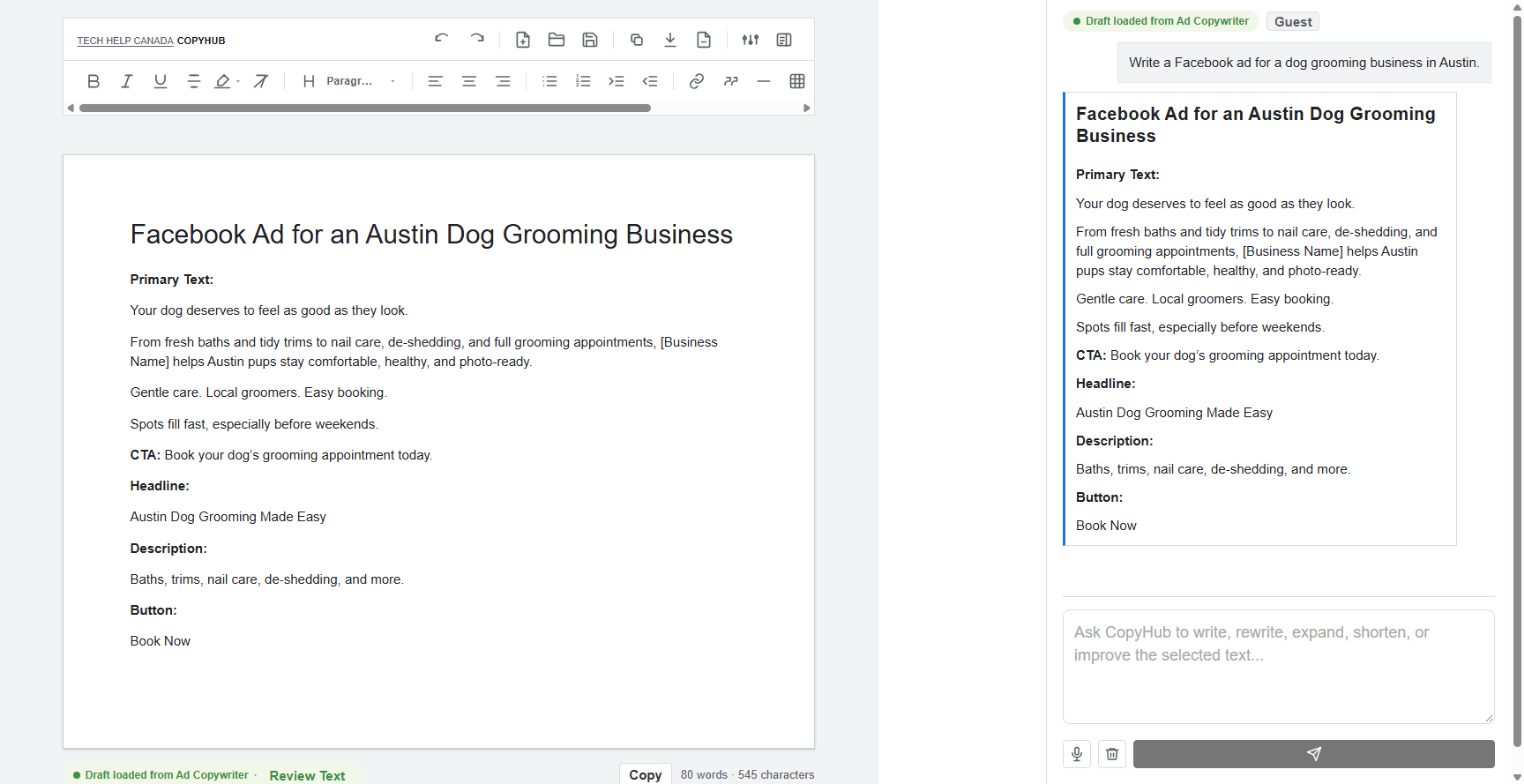
Use Continue Editing in CopyHub when you want to keep working on the draft.
The full workspace gives you more tools, including:
- Full editor.
- Chat.
- Formatting toolbar.
- Saved documents.
- Voice and instructions.
- Copy and export options.
What CopyHub Lite doesn’t include
CopyHub Lite doesn’t include every feature from the full workspace.
For example, it doesn’t include the full saved documents panel, formatting toolbar, voice and instructions panel, or full editor directly inside the Lite card.
Those are available in the full CopyHub workspace.
Request limits
CopyHub Lite uses CopyHub requests.
If you’re using CopyHub as a guest or free member, your request limit still applies.
If you hit a limit, follow the account or upgrade prompt shown on the page.

I can suggest related Tech Help Canada articles based on the topic you’re reading now.

Tech Help Canada Staff researches, writes, and reviews practical content for business owners and professionals. Our coverage spans business, marketing, SEO, technology, and the tools and systems people use to grow and operate online. We focus on clear, useful information backed by research, hands-on experience, and editorial review. Learn more about our team and editorial standards. Need help with something? Contact Us