Not every situation calls for a 128GB or 256GB microSD card. If you’re setting up a dashcam, running a Raspberry Pi project, feeding an older device that only accepts SDHC, or buying cards in bulk for a small business, 32GB is still the sweet spot. It’s affordable, widely compatible, and more than enough storage for the job. We compared the best 32GB MicroSD Cards in Canada you can buy on Amazon, with picks for everyday storage, dashcams, Raspberry Pi projects, action cameras, and bulk buying.
Below, you’ll find our picks for each use case, a clear breakdown of what the speed ratings mean, and tips for avoiding counterfeit cards in this category.
*Prices can change quickly and may vary by region. Use these ranges as a rough buying guide, not a guaranteed live price.
Why 32GB Still Makes Sense
You might wonder why anyone would buy a 32GB card when 128GB options are only a few dollars more. In a few cases, 32GB still makes more sense.
First, there’s device compatibility. Some hardware, including the Nintendo 3DS, older trail cameras, and certain industrial equipment, only supports SDHC cards, which max out at 32GB. These devices can’t read the exFAT file system that larger SDXC cards use, so a 32GB card formatted in FAT32 is often the safer choice.
Second, cost adds up when you’re buying multiples. If you need five cards for a set of security cameras, or ten cards for a classroom of Raspberry Pi kits, the difference between $8 and $15 per card matters. At scale, 32GB cards save real money when the storage is sufficient for the task.
Third, there’s the single-purpose argument. A dashcam that loops footage every few hours doesn’t need 128GB. A Raspberry Pi running a lightweight OS doesn’t need 128GB. When the card has one job and 32GB handles it, buying more storage is just wasting money.
Understanding Speed Ratings on the Box
MicroSD cards are covered in tiny logos and numbers. Here’s what actually matters when you’re comparing options.
Speed Class (Class 10) guarantees the card can sustain a minimum write speed of 10 MB/s. Every card on this list is Class 10, so you don’t need to worry about this one. It’s essentially the baseline standard now.
UHS Speed Class is where things start to differentiate. U1 means a minimum sustained write speed of 10 MB/s (same as Class 10), while U3 guarantees 30 MB/s. If you’re recording 4K video, U3 is what you want.
Video Speed Class uses a “V” followed by a number. V10 means 10 MB/s minimum sustained write, while V30 means 30 MB/s. For Full HD recording, V10 is fine. For 4K, you need V30. Think of this as the video-specific version of UHS class.
App Performance Class (A1) measures how well a card handles the random read/write operations that apps generate. A1 requires 1,500 read IOPS and 500 write IOPS, enough for smooth app performance on phones and tablets. You’ll occasionally see A2 on higher-capacity cards (4,000 read / 2,000 write IOPS), but at 32GB, A1 is what’s available and it’s perfectly adequate.
Bus Interface (UHS-I) sets the maximum theoretical throughput at 104 MB/s. Most mainstream 32GB cards in this category use UHS-I, so this usually won’t be a major differentiator in your decision.
The practical takeaway: match the card’s rating to your device’s actual needs. Paying extra for V30/U3 only makes sense if your device actually records 4K video. For phones, tablets, and general storage, A1/U1 is all you need.
Top 32GB microSD Cards to Consider
SanDisk Ultra 32GB — Best All-Around Pick
Best all-around pick
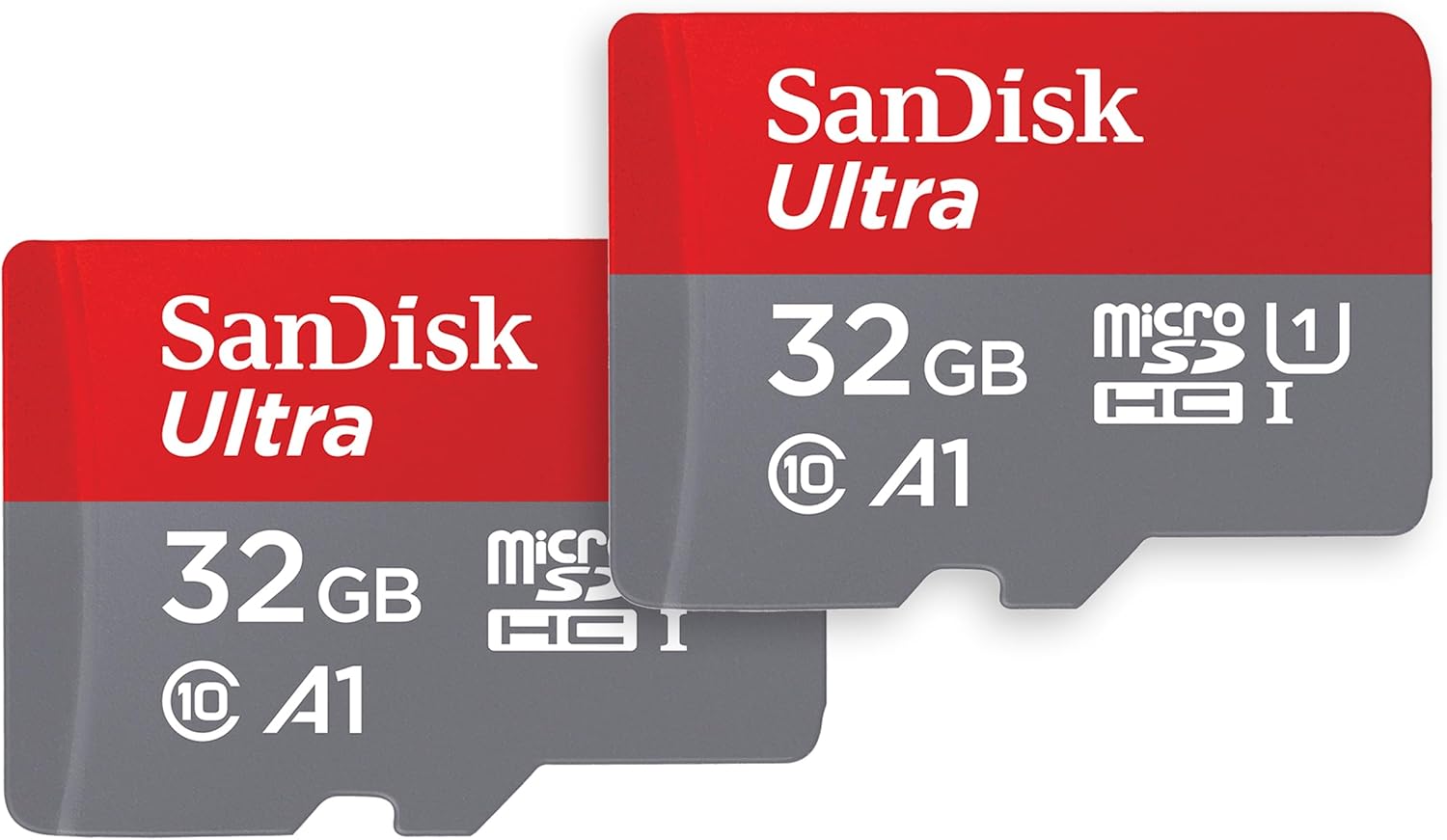
SanDisk Ultra 32GB microSD
A reliable default pick for phones, tablets, Raspberry Pi projects, portable gaming devices, and general storage when you do not need a specialized high-endurance or 4K video card.
Why we like it
It is the easiest default recommendation for general 32GB microSD card use.
The A1 rating makes it a practical fit for app storage and responsive everyday device use.
The U1 and Class 10 ratings are enough for Full HD video, photo storage, and basic file transfers.
It has a long track record across phones, tablets, cameras, Raspberry Pi projects, and portable gaming devices.
Worth knowing
It is not the best pick for 4K video, dashcams, or 24/7 surveillance.
Choose a V30/U3 or endurance-rated card if your device records constantly or needs higher sustained write speeds.
Product Specs
Best UseGeneral storage, phones, tablets, Raspberry Pi projects, and portable gaming devices
Capacity32GB
Read SpeedUp to 120 MB/s
RatingsClass 10, U1, A1
Video FitFull HD and general recording, not the safest 4K pick
The SanDisk Ultra is the default recommendation for good reason. It delivers advertised read speeds up to 120 MB/s, which is strong for a budget-friendly 32GB card, and carries A1 certification for responsive app performance. With a long track record and a huge volume of buyer feedback, this card has proven itself across a wide range of devices.
It’s rated U1 and Class 10, which means it guarantees 10 MB/s sustained writes. That’s perfectly adequate for Full HD video, photo storage, and general file transfers. The card includes an SD adapter in the box and is backed by a 10-year limited warranty from Western Digital.
Where the Ultra shines is reliability and compatibility. It’s a common pick for Raspberry Pi projects, works predictably across phones, tablets, cameras, and portable gaming devices, and keeps setup simple for general use. If you don’t have specialized needs, this is the card to buy.
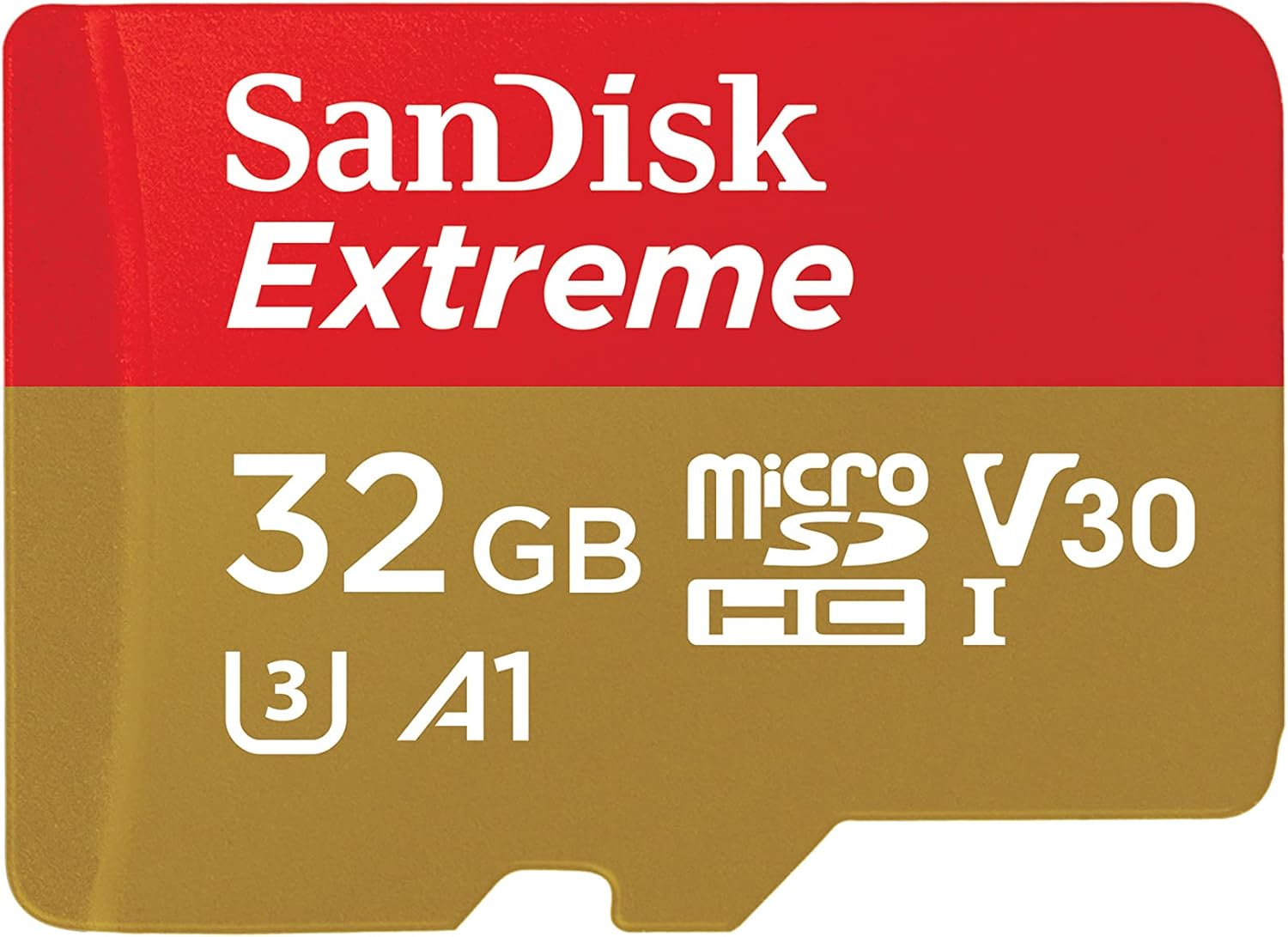
The Extreme steps up to U3 and V30 ratings, guaranteeing a minimum sustained write speed of 30 MB/s. That’s the threshold for recording 4K video without dropped frames, making this the right pick if you’re feeding a GoPro, drone, or action camera.
Advertised read speeds hit 100 MB/s, with writes reaching up to 60 MB/s. For 4K recording, the key point is the V30/U3 rating, which gives the card the sustained write-speed rating many action cameras and drones require. It’s also A1-rated, so it doubles as a responsive app-storage card when it’s not in a camera.
The card is shockproof, waterproof, and temperature-rated from -13°F to 185°F, so it handles the abuse that comes with action and outdoor use. SanDisk backs this one with a lifetime limited warranty, which speaks to their confidence in its durability.
If you’re recording anything above 1080p, or your device specifies U3/V30 as a requirement, this is the safer pick.
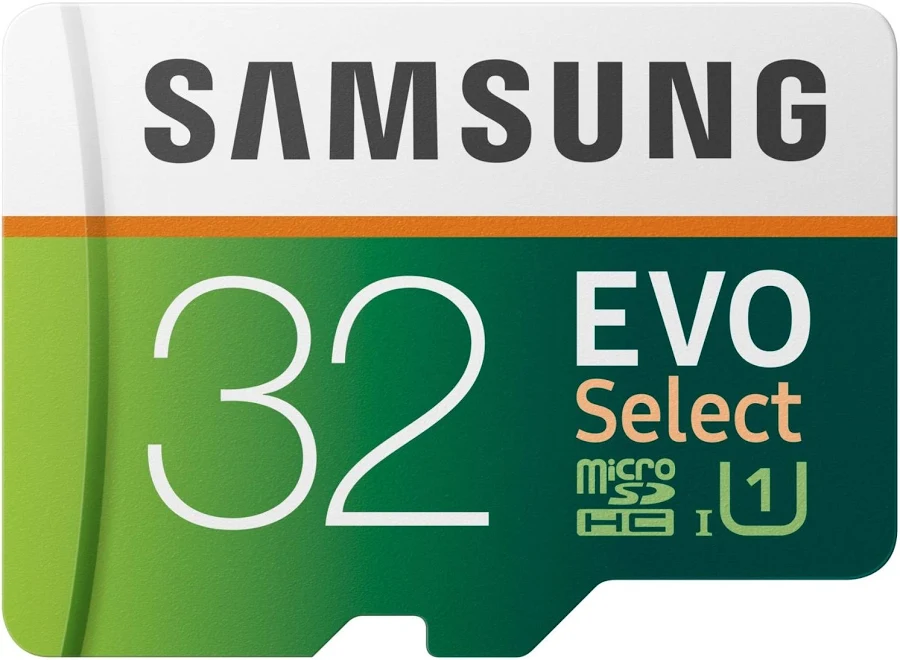
If SanDisk isn’t available or you’ve had good results with Samsung storage in the past, the EVO Select is a reliable 32GB option that holds its own. Read speeds reach 95 MB/s with U1 and A1 ratings, making it functionally comparable to the SanDisk Ultra for everyday tasks.
Samsung’s 6-proof durability means the card handles water, extreme temperatures, X-rays, magnets, drops, and general wear without flinching. It ships with a full-size SD adapter and is backed by Samsung’s limited warranty.
The EVO Select is a strong choice for phones, tablets, and casual photo and video use. It won’t match the Ultra’s 120 MB/s read speed or the Extreme’s write performance, but for everyday storage duties, it’s a dependable card from a brand with deep experience manufacturing storage hardware, not an unknown label with unclear sourcing.
Kingston Canvas Select Plus 32GB — Best Value Pick
Best value pick
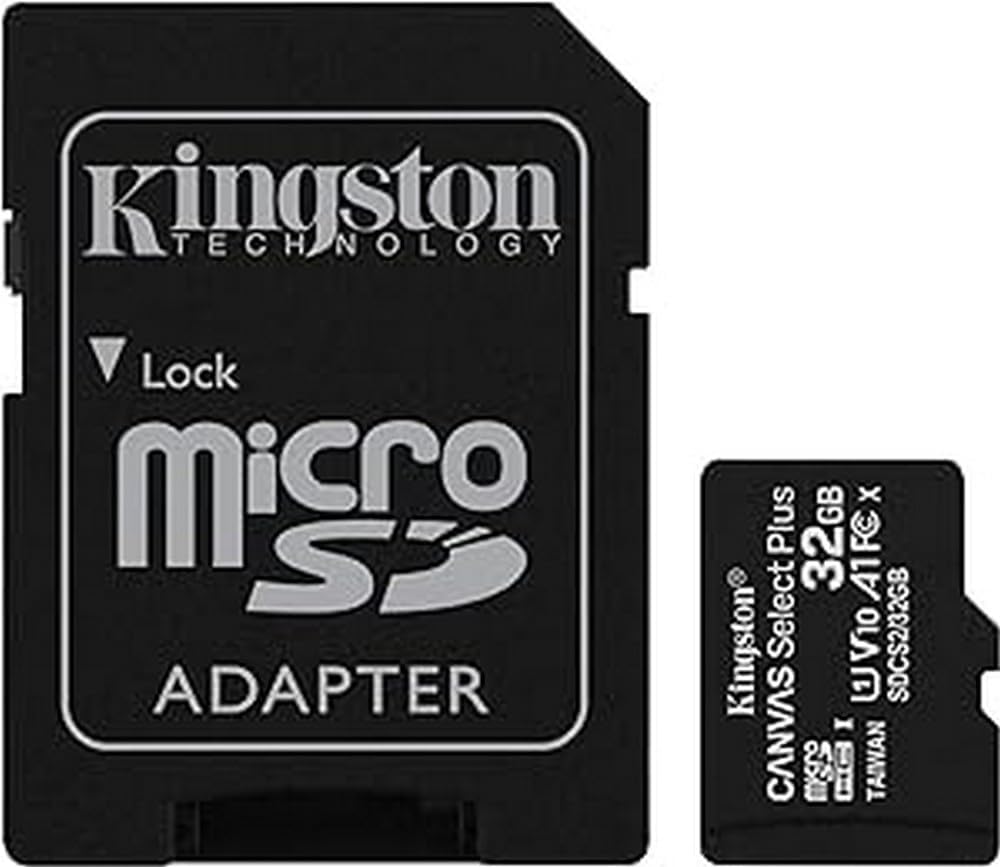
Kingston Canvas Select Plus 32GB
A strong value pick for everyday storage, bulk buying, Android devices, Raspberry Pi kits, and anyone who wants a reliable 32GB card without paying extra for specs they do not need.
Why we like it
It often hits one of the lowest prices among major-brand 32GB microSD cards.
The A1 rating makes it useful for Android devices, Raspberry Pi projects, and general app-friendly storage.
The U1, V10, and Class 10 ratings are enough for Full HD recording and normal file storage.
The lifetime warranty is excellent coverage for a low-cost card, especially if you are buying several at once.
Worth knowing
It is not the card to choose for 4K video, dashcams, or 24/7 surveillance.
It will not beat pricier cards in speed benchmarks, but that is not really the point of this pick.
Product Specs
Best UseEveryday storage, Android devices, Raspberry Pi projects, and bulk buying
Capacity32GB
Read SpeedUp to 100 MB/s
RatingsClass 10, U1, V10, A1
Best FitBuyers who want the lowest major-brand price without going off-brand
Kingston’s Canvas Select Plus consistently hits the lowest price point among major-brand 32GB cards while still delivering 100 MB/s reads and carrying A1 certification. If you’re buying multiple cards or just want reliable storage without spending a dollar more than necessary, this is the one.
It’s Class 10 and U1-rated with V10 video speed support, meaning it handles Full HD recording and general file storage without bottlenecks. Kingston markets this line as Android-optimized, and the A1 certification backs that up with fast app loading. The included SD adapter makes it easy to move files to a laptop or desktop when needed.
What makes Kingston stand out at this tier is their lifetime warranty. For a card that often sells for under $10, that’s exceptional coverage. The Canvas Select Plus won’t win any speed benchmarks against pricier options, but it’ll reliably do its job for years.
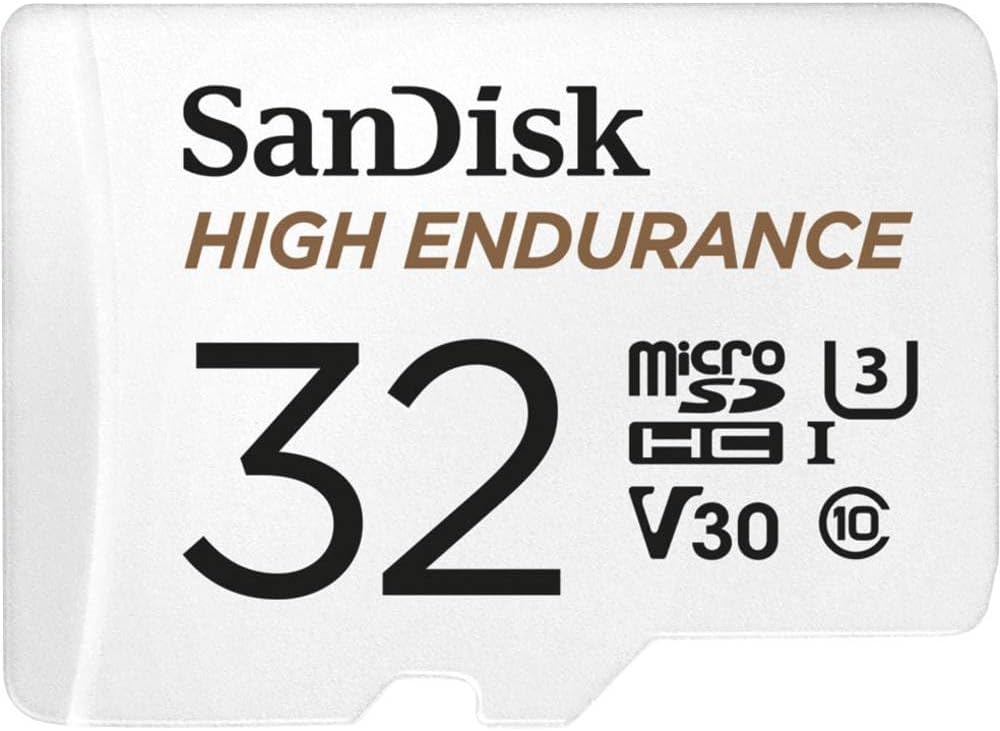
Standard microSD cards aren’t designed for the constant write-erase-write cycle that dashcams demand. The SanDisk High Endurance is. It’s rated for up to 2,500 hours of continuous Full HD recording, which works out to roughly 104 days of non-stop dashcam footage before the card reaches its expected write limit.
Performance specs include 100 MB/s reads with U3 and V30 ratings, meaning it handles 4K recording if your dashcam supports it. The card is built to withstand extreme temperatures, water, shock, and X-rays, which are all important for a card that lives in a hot car or an outdoor security camera housing.
The 2-year warranty is shorter than the Ultra or Extreme, which reflects the fact that endurance cards are expected to absorb significantly more wear. For dashcams, doorbell cameras, and basic home security setups, this card is purpose-built for the job.
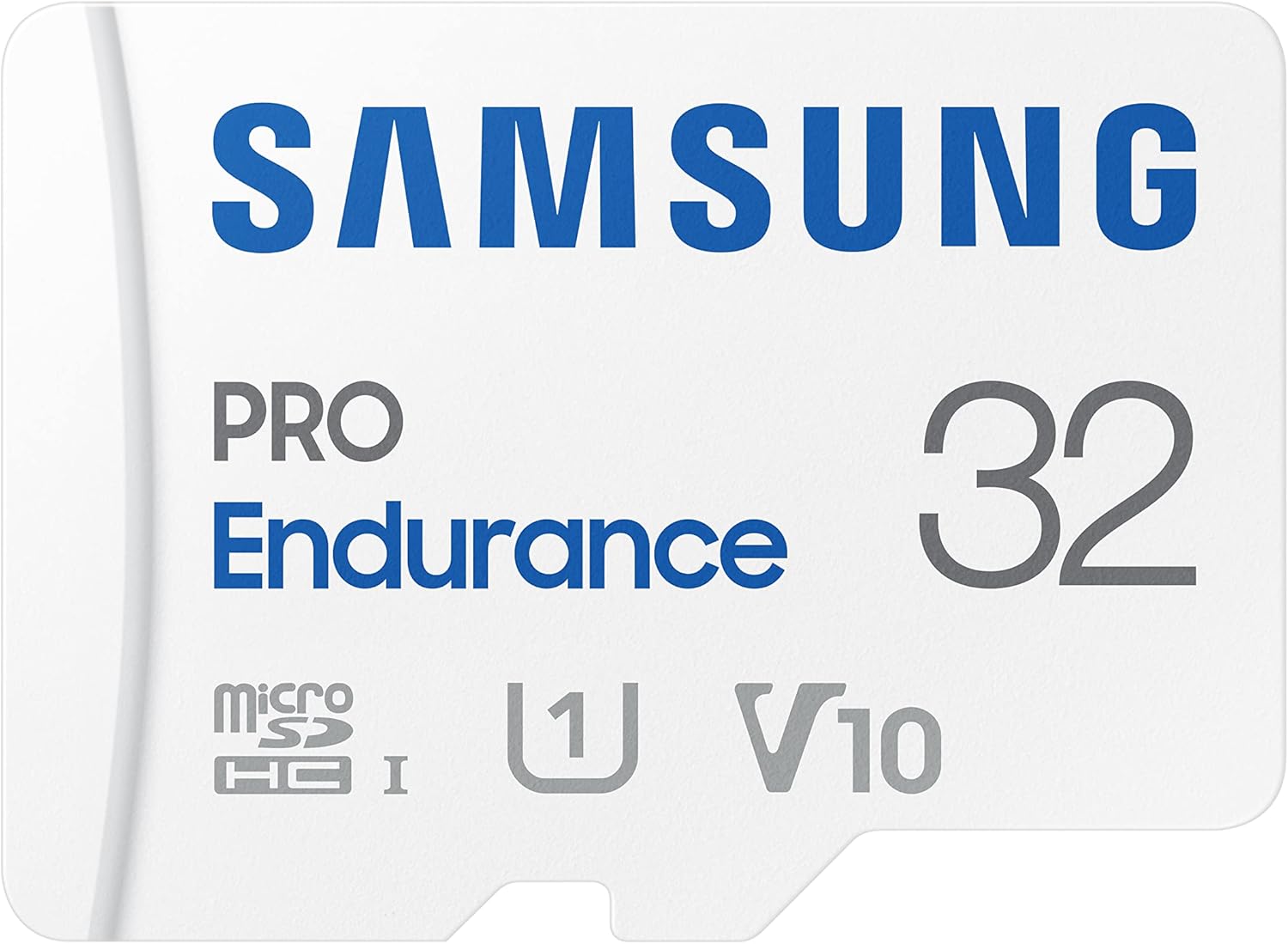
If your use case is truly continuous, such as a security camera that records around the clock or a body cam that runs full shifts, the Samsung PRO Endurance takes endurance to another level. The 32GB model is rated for up to 17,520 hours of Full HD recording. That’s two full years of uninterrupted footage.
Samsung achieves this with proprietary NAND technology specifically engineered for the relentless write cycling that surveillance demands. Read speeds hit 100 MB/s with writes at 40 MB/s, and the card carries U1, V10, and Class 10 ratings. The 6-proof construction (water, temperature, X-ray, magnet, drop, and wearout) adds a layer of physical confidence.
The trade-off is that this card prioritizes longevity over raw speed. Its V10 rating means it’s designed for Full HD, not 4K. For a surveillance camera that records at 1080p or 720p continuously, that’s exactly right. You’re buying this card for its lifespan, not its burst performance.
Counterfeit microSD cards are a persistent problem, especially in this price range where the low cost makes buyers less likely to scrutinize and fakes are cheap to produce. Here’s how to protect yourself when buying on Amazon.
Check the Seller
Look for listings sold by Amazon or shipped directly from the brand’s official Amazon store. Third-party sellers with generic names and limited review histories are higher-risk.
Evaluate the Price
If a name-brand 32GB card is significantly cheaper than competing listings for the same product, treat that as a red flag. Legitimate 32GB cards from SanDisk, Samsung, and Kingston typically fall in the $8–$16 range, so there’s not much room for “deals” below that.
Inspect the Card on Arrival
Look for faded printing, misaligned labels, inconsistent fonts, or packaging that feels flimsy. On SanDisk cards, compare the printing, tab colour, and packaging against the current official product photos. Counterfeit cards often get small visual details wrong.
Test the Capacity
The most common fake-card trick is selling a 4GB or 8GB card reprogrammed to report 32GB to your device. Download H2testw (Windows) or F3 (Mac/Linux) and run a full write-read test. If the card fails before reaching its advertised capacity, it’s counterfeit. Return it immediately.
Be Careful With Marketplace Inventory
Marketplace inventory can be complicated, especially when multiple sellers offer the same product. Buying from the official brand store or a listing sold and shipped by Amazon reduces risk, but it still makes sense to test the card when it arrives.
Which Card Should You Actually Buy?
If you’re still deciding, here’s the simplest way to think about it.
You’re using a phone, tablet, Raspberry Pi, or portable gaming device: grab the SanDisk Ultra. It’s a strong general-use pick, works in a wide range of devices, and is backed by a decade of warranty coverage. If budget is tight, the Kingston Canvas Select Plus gives you 90% of the performance at a lower price with an even better lifetime warranty.
You’re recording 4K video with an action camera or drone: get the SanDisk Extreme. Its V30/U3 rating is the safer choice for 4K, and the lifetime warranty means you’re covered for as long as you own it. The extra write speed also means faster file transfers when you’re offloading footage to your laptop.
You’re setting up a dashcam or basic security camera: choose the SanDisk High Endurance. Standard cards break down quickly under constant write-erase cycles, but this one is rated for 2,500 hours of continuous recording before endurance becomes a concern.
You’re running 24/7 surveillance: go with the Samsung PRO Endurance. Its 17,520-hour endurance rating stands out at 32GB, and for a camera that never stops recording, lifespan is the spec to watch.
You’re buying cards in bulk for a business, classroom, or event: the Kingston Canvas Select Plus offers the best per-unit value with a lifetime warranty backing every card. When you’re outfitting ten devices at once, that cost difference adds up fast.
The Right 32GB Card Still Has a Place
A 32GB microSD card won’t store your entire media library, and it isn’t trying to. What it will do is handle one job reliably, affordably, and for years, whether that’s keeping your dashcam rolling, running your Pi project, or giving an older device the storage it needs.
Stick with the established brands on this list, test your card when it arrives, and match the speed rating to your actual use case. Do that, and your card will just work quietly without giving you a reason to think about it.
Tech Help Canada Staff researches, writes, and reviews practical content for business owners and professionals. Our coverage spans business, marketing, SEO, technology, and the tools and systems people use to grow and operate online. We focus on clear, useful information backed by research, hands-on experience, and editorial review. Learn more about our team and editorial standards. Need help with something? Contact Us