The best music production computer is the one that lets you stay in the session.
No freezes while recording vocals. No crackles when you add one more plugin. No waiting forever for a project to load because your sample library is crawling off a slow drive.
For most producers in 2026, the sweet spot is simple: a strong modern CPU, at least 16GB of RAM, fast SSD storage, quiet cooling, and enough ports for your audio interface, MIDI gear, external drives, and monitor.
Here’s how to choose the right machine, plus the best options for different kinds of producers.
Quick Answer: The Best Specs for Music Production
If you want a computer that won’t feel outdated quickly, aim for this:
| Component | Good starting point | Better for serious production |
|---|---|---|
| CPU | Apple M-series, Intel Core i7, AMD Ryzen 7 | M Pro/Max, Intel Core i9, Ryzen 9 |
| RAM | 16GB | 32GB or more |
| Storage | 512GB SSD | 1TB to 2TB SSD |
| Ports | USB-C or Thunderbolt plus USB-A support | Thunderbolt/USB4, multiple USB ports, SD/HDMI if needed |
| Noise | Quiet fan profile | Quiet desktop or laptop with strong thermal design |
| Display | 1080p minimum | 1440p, 4K, or dual monitors |
Ableton recommends 16GB of RAM for typical music production and 32GB or more for large projects with heavy sample libraries. Avid lists 16GB RAM for Pro Tools, with higher specs making more sense as sessions get larger.
If you’re buying once and hoping to keep the computer for years, don’t treat 8GB as a serious production spec. It can run some DAWs, but you’ll feel the limit fast.
Best Music Production Computers in 2026
1. Apple MacBook Pro 14-inch or 16-inch: Best Overall Laptop
The MacBook Pro is still the default laptop pick for many producers, especially if you use Logic Pro, Ableton Live, Pro Tools, or a Mac-based studio setup.
Current MacBook Pro models can be configured with M5, M5 Pro, or M5 Max chips, unified memory options from 16GB into pro-level configurations, and SSD storage that starts high enough for serious work on many models. The 14-inch model is easier to travel with. The 16-inch model gives you more screen space and better comfort for long sessions.
For most producers, the strongest configuration is an M5 Pro model if budget allows, 24GB to 32GB of unified memory, and a 1TB SSD. Add an external SSD for sample libraries and archived sessions instead of filling the internal drive with old projects.
Choose this if you want a portable, reliable machine for recording, producing, mixing, and writing anywhere. Skip it if you need the cheapest possible setup or you rely on Windows-only plugins.
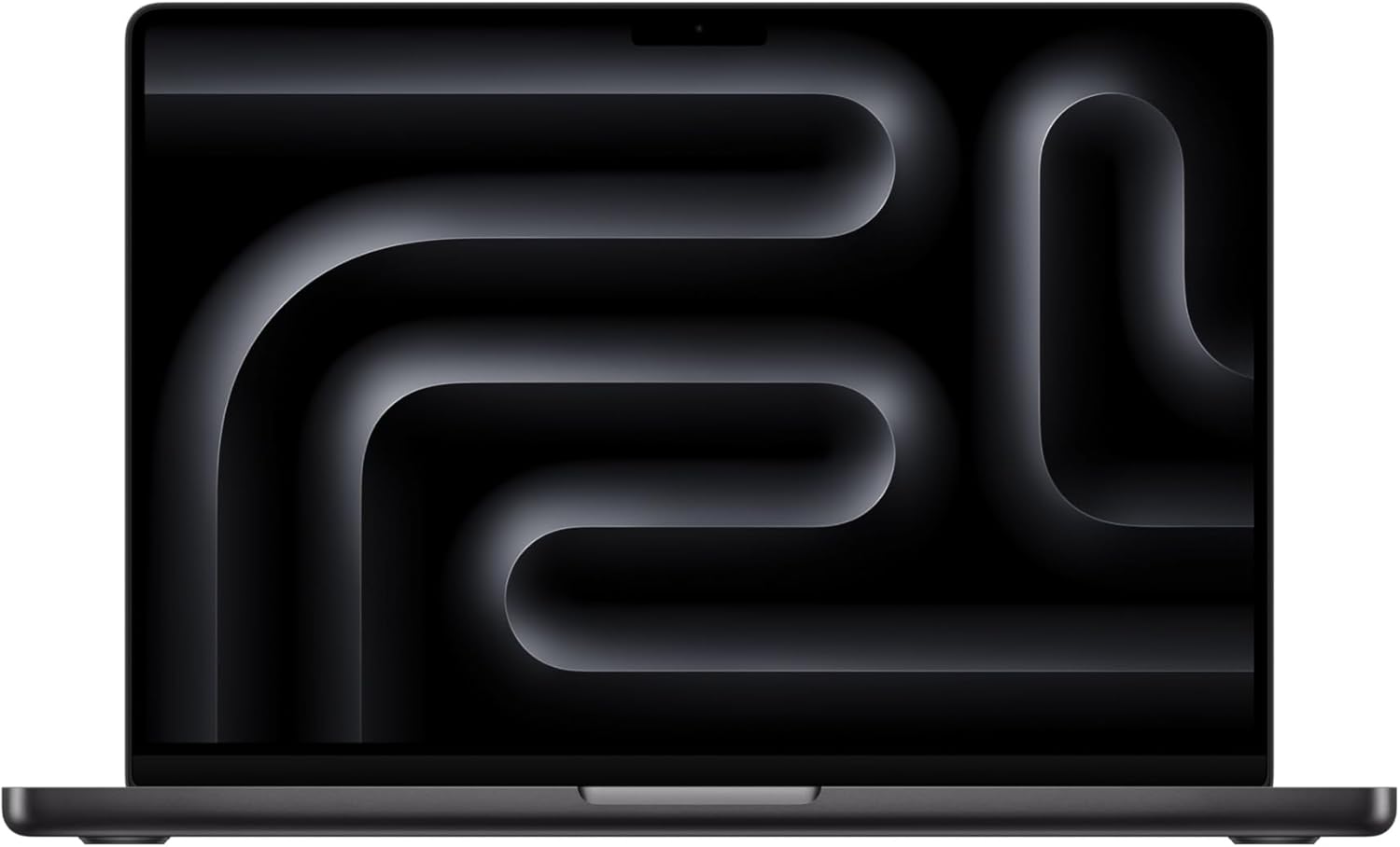
Apple MacBook Pro 14-inch or 16-inch
A strong portable choice for producers who want a reliable Mac laptop for recording, producing, mixing, and writing music anywhere.
Why we like it
- It is a natural fit for Logic Pro, Ableton Live, Pro Tools, and Mac-based studio workflows.
- The 14-inch model is easier to travel with, while the 16-inch model gives you more screen space for long sessions.
- An M Pro configuration with 24GB to 32GB of unified memory gives most producers stronger long-term headroom.
- It works well for recording, producing, mixing, and writing away from a fixed desk setup.
Worth knowing
- Skip it if you need the cheapest possible setup or rely heavily on Windows-only plugins.
Product Specs
2. Apple Mac mini: Best Value Mac Desktop
The Mac mini is one of the smartest buys for a home studio. You bring your own monitor, keyboard, mouse, and audio interface, and the computer itself stays compact and quiet.
Apple’s current Mac mini line includes M4 and M4 Pro options. The base M4 is strong enough for beginner and intermediate production. The M4 Pro is the better choice if you use large templates, orchestral libraries, heavy synth sessions, or lots of real-time plugins.
For most producers, an M4 model with 24GB memory is a strong home-studio setup. Choose an M4 Pro with 24GB or more if you run heavier sessions, and aim for at least 512GB of internal storage, or 1TB if budget allows. Keep large sample libraries on an external SSD.
Choose this if you already have a monitor and want the most performance per dollar in a Mac studio setup. Skip it if you need to record and produce away from your desk.
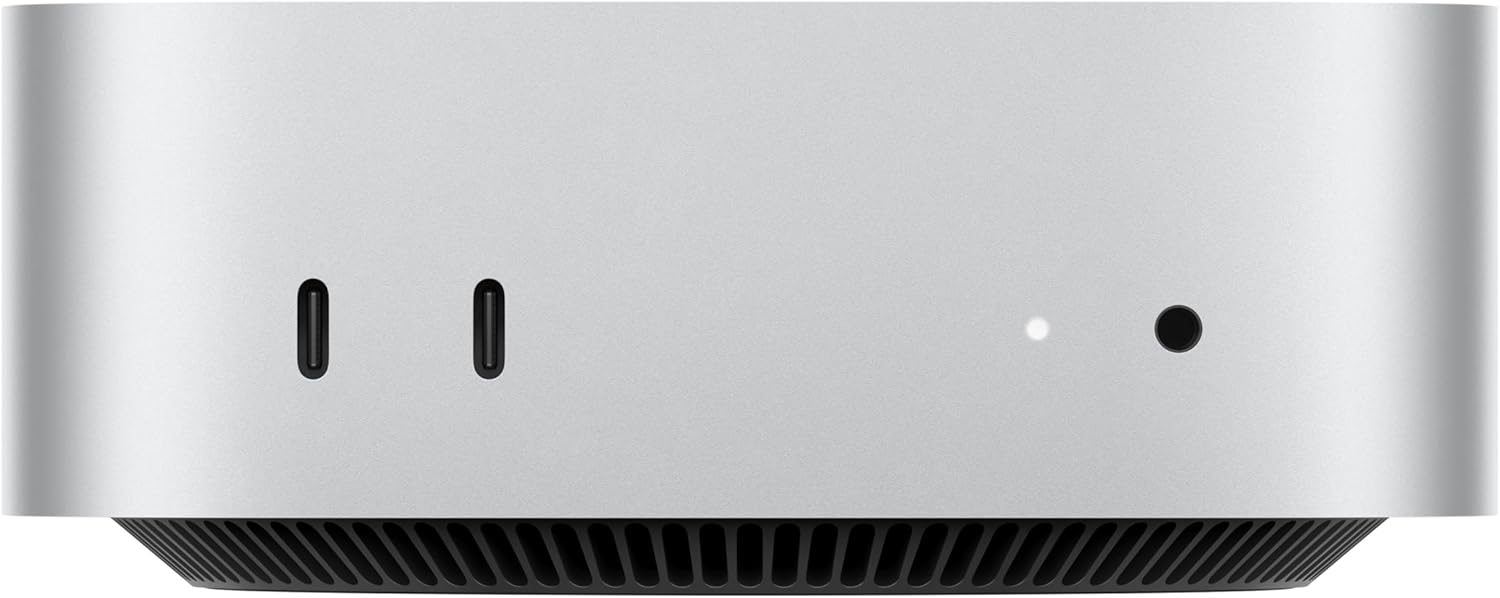
Apple Mac mini
A compact, quiet Mac desktop for home studios where you already have a monitor, keyboard, mouse, and audio interface.
Why we like it
- It gives home-studio producers strong Mac performance without paying for a laptop screen and battery.
- The compact design keeps the desk clean and works well beside an audio interface, MIDI controller, and monitor.
- The base M4 direction is strong enough for beginner and intermediate production.
- The M4 Pro direction makes more sense for heavier sessions, large templates, orchestral libraries, and real-time plugin loads.
Worth knowing
- Skip it if you need to record, write, or produce away from your desk.
Product Specs
3. Dell XPS Desktop: Best Windows Desktop for Producers
A modern Dell XPS Desktop is a strong Windows choice because it gives you power, ports, upgrade options, and room for more storage. That matters if you use large Kontakt libraries, record bands, or want a machine that can grow with your studio.
Look for a current Intel Core i7 or i9 model with at least 32GB of RAM and a 1TB NVMe SSD. A dedicated graphics card isn’t essential for audio, but it helps if you also edit video, stream, or run visual-heavy creative work.
For most producers, look for an Intel Core i7 or i9, 32GB RAM, a 1TB NVMe SSD, a quieter cooling option where available, and enough rear USB ports for studio gear.
Choose this if you want a Windows studio tower with upgrade room. Skip it if fan noise is a major concern and you record microphones close to the computer.
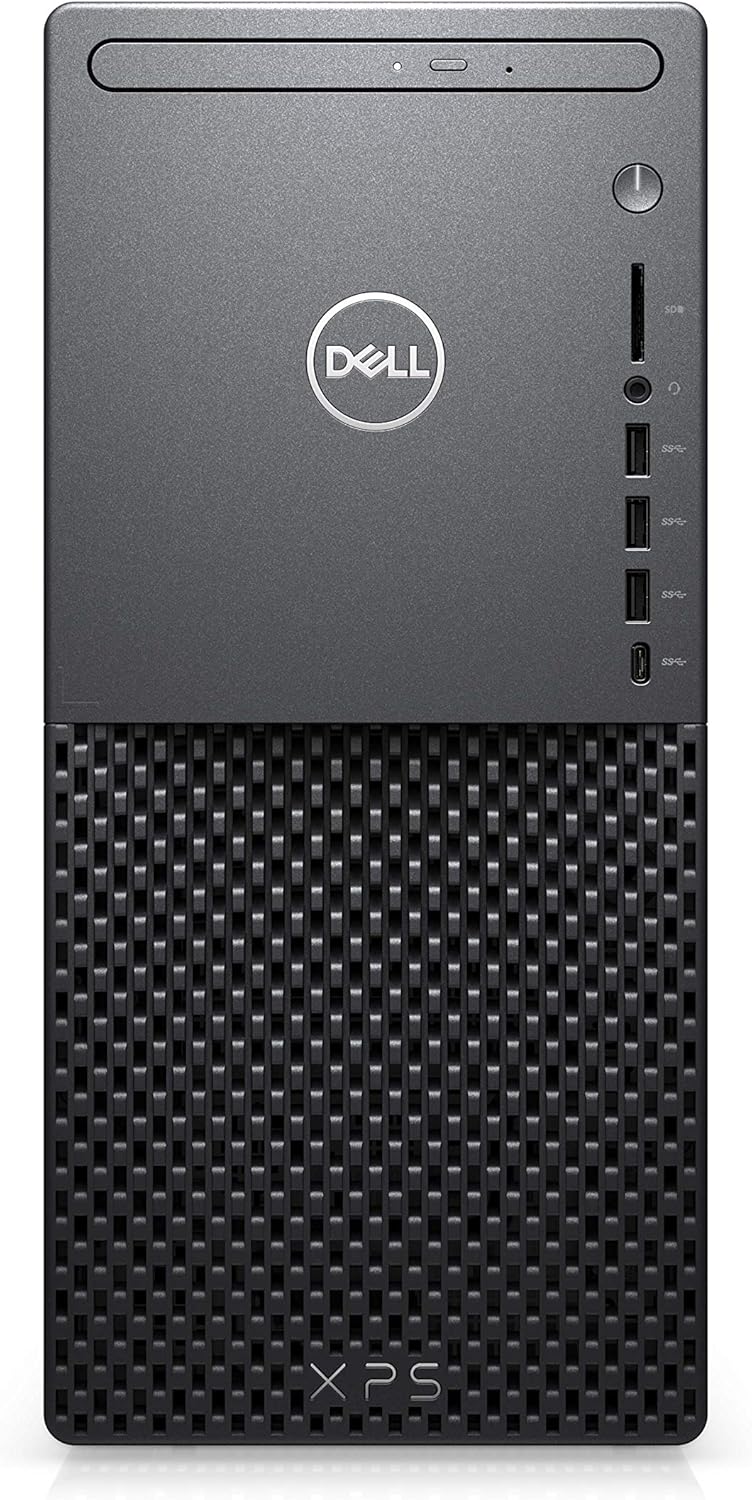
Dell XPS Desktop
A strong Windows studio tower for producers who want power, ports, upgrade room, and space for larger sample libraries or session storage.
Why we like it
- It gives Windows producers more power and upgrade flexibility than most compact machines.
- The tower format makes more sense if you use large Kontakt libraries, record bands, or want a computer that can grow with your studio.
- A Core i7 or i9 setup with 32GB RAM and a 1TB NVMe SSD is a strong target for serious production work.
- A dedicated graphics card is not essential for audio, but it can help if you also edit video, stream, or run visual-heavy creative work.
Worth knowing
- Skip it if fan noise is a major concern and you record microphones close to the computer.
Product Specs
4. Custom Windows Desktop: Best Power for the Money
If you’re comfortable choosing parts, a custom Windows desktop can beat prebuilt machines on value. Music production doesn’t need a gaming GPU unless you also work with video or 3D. Spend the money where it affects audio: CPU, RAM, SSD, motherboard quality, power supply, and quiet cooling.
For a strong custom build, start with an AMD Ryzen 7 or Ryzen 9, or an Intel Core i7 or i9. Pair it with at least 32GB RAM, a 1TB NVMe system drive, a second SSD for samples and sessions, a quiet CPU cooler, a quality power supply, and a case with good airflow.
Choose this if you want maximum performance and don’t mind setup work. Skip it if you need warranty support from one company.

Custom Windows Desktop
A smart route for producers who want maximum performance for the money and do not mind choosing parts or doing more setup work.
Why we like it
- You can put more of the budget toward what matters for audio: CPU, RAM, SSD storage, motherboard quality, power supply, and quiet cooling.
- A Ryzen 7, Ryzen 9, Intel Core i7, or Intel Core i9 build can give serious production headroom.
- A second SSD for samples and sessions can keep large libraries from crowding the system drive.
- You can avoid overspending on a gaming GPU if you are not also editing video, streaming, or doing 3D work.
Worth knowing
- Skip this route if you want one-company warranty support or do not want to deal with part selection and setup.
Product Specs
5. 24-inch iMac: Best Simple All-in-One for Songwriters
An iMac is not the most flexible studio computer, but it’s a simple setup for writing, arranging, editing vocals, and producing finished tracks without building a desk full of hardware.
The tradeoff is upgradeability. You can’t treat an iMac like a tower. Buy enough memory and storage upfront, because you won’t be adding internal RAM later.
For most producers, choose an Apple silicon iMac with at least 16GB memory and a 512GB SSD. Use an external SSD for sample libraries so the internal drive stays free for apps and active projects.
Choose this if you want a tidy desktop for songwriting, Logic Pro, podcasting, or light-to-medium production. Skip it if you use huge sample templates or want a machine you can upgrade over time.
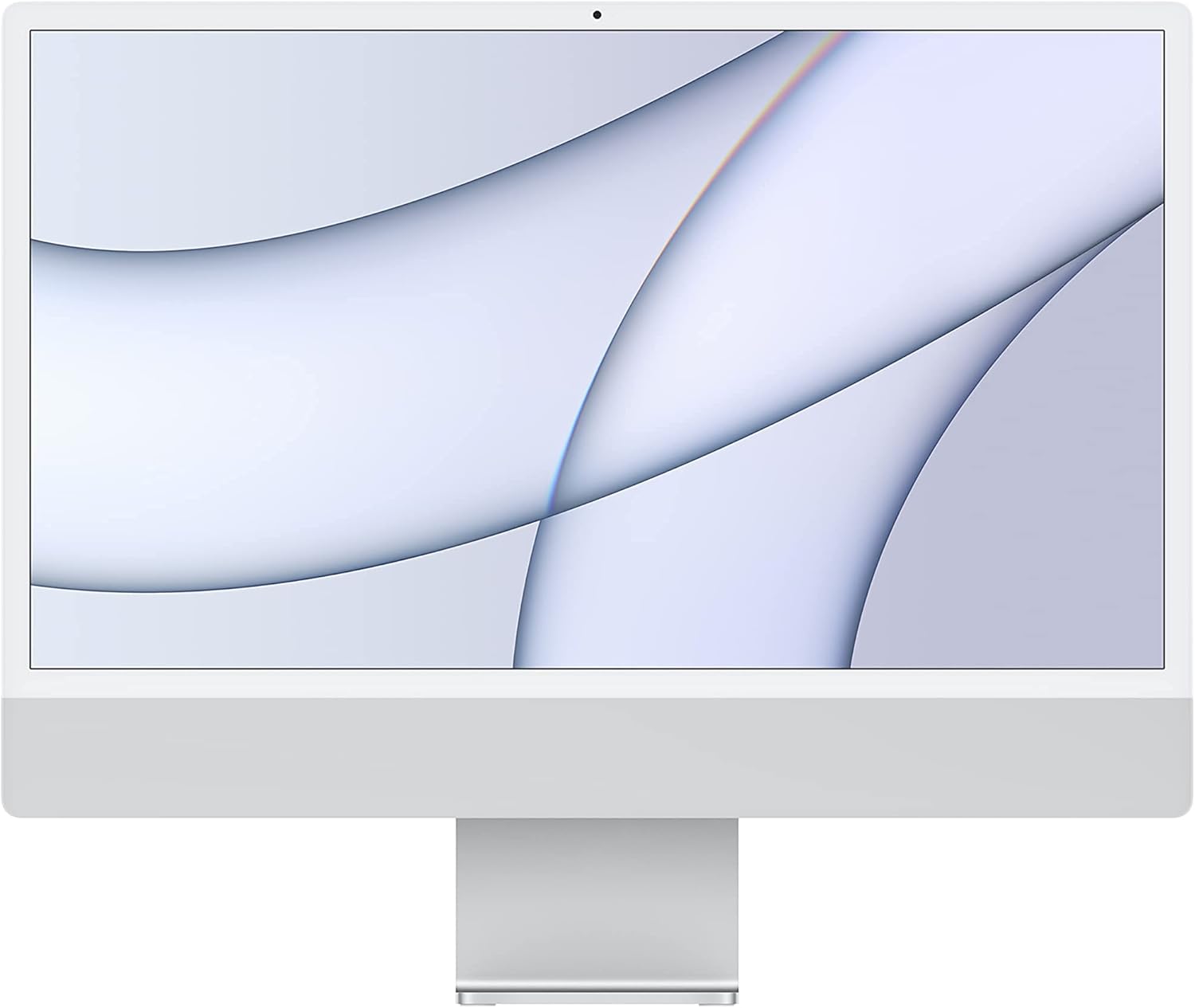
24-inch iMac
A tidy all-in-one Mac setup for songwriters, podcasters, and light-to-medium producers who want a simple desktop without building a full studio workstation.
Why we like it
- The all-in-one design keeps your desk simple because the display and computer are built into one clean setup.
- It is a good fit for writing, arranging, editing vocals, podcasting, and producing finished tracks without a tower.
- An Apple silicon iMac with at least 16GB memory and a 512GB SSD gives casual and light-to-medium producers a more realistic starting point.
- Using an external SSD for sample libraries helps keep the internal drive free for apps and active projects.
Worth knowing
- Buy enough memory and storage upfront, because you cannot treat an iMac like an upgradeable tower.
Product Specs
6. Windows Creator Laptop: Best MacBook Alternative
If you prefer Windows, choose a creator laptop over a thin budget laptop. Music production stresses the CPU for long stretches, and slim machines with weak cooling can throttle under pressure.
Look for a laptop with a modern Core Ultra 7, Core i7, Ryzen 7, or Ryzen AI 9 processor, 32GB RAM, a 1TB SSD, and enough USB-C or Thunderbolt/USB4 connectivity for your interface and drives.
For most producers, look for a modern Intel Core Ultra 7, Intel Core i7, AMD Ryzen 7, or Ryzen AI 9 machine with 32GB RAM, a 1TB SSD, a quiet performance mode, and a strong port selection.
Choose this if you want Windows portability for Ableton, FL Studio, Cubase, Studio One, or Pro Tools. Skip it if you can only afford a thin laptop with 8GB RAM and limited cooling.
Windows Creator Laptop
A strong option for producers who want Windows portability for Ableton, FL Studio, Cubase, Studio One, Pro Tools, or Windows-only plugins.
Why we like it
- A creator laptop usually makes more sense for music production than a thin budget laptop with weak cooling.
- A modern Core Ultra 7, Core i7, Ryzen 7, or Ryzen AI 9 processor gives you a better foundation for plugin-heavy sessions.
- 32GB RAM and a 1TB SSD are safer targets if you want the laptop to handle larger DAW projects over time.
- Thunderbolt, USB4, or strong USB-C connectivity helps with audio interfaces, external SSDs, MIDI gear, and monitors.
Worth knowing
- Skip thin laptops with 8GB RAM and limited cooling if you want a machine for serious production work.
Product Specs
7. Refurbished Mac mini or MacBook Pro: Best Budget Option
If your budget is tight, a refurbished Apple silicon Mac is often a better buy than a new low-end laptop. An M1, M2, M3, or M4 Mac mini or MacBook Pro with 16GB RAM can still handle real production work.
The key is avoiding under-specced machines. A cheap Mac with 8GB memory and tiny storage may look tempting, but you’ll likely hit limits once you add plugins, samples, and background apps.
For a used or refurbished machine, look for Apple silicon, at least 16GB RAM, at least a 512GB SSD, a battery health check for laptops, and a return policy from a reputable seller.
Choose this if you want a serious studio computer without paying new-machine prices. Skip it if the deal only looks good because the RAM and storage are too low.
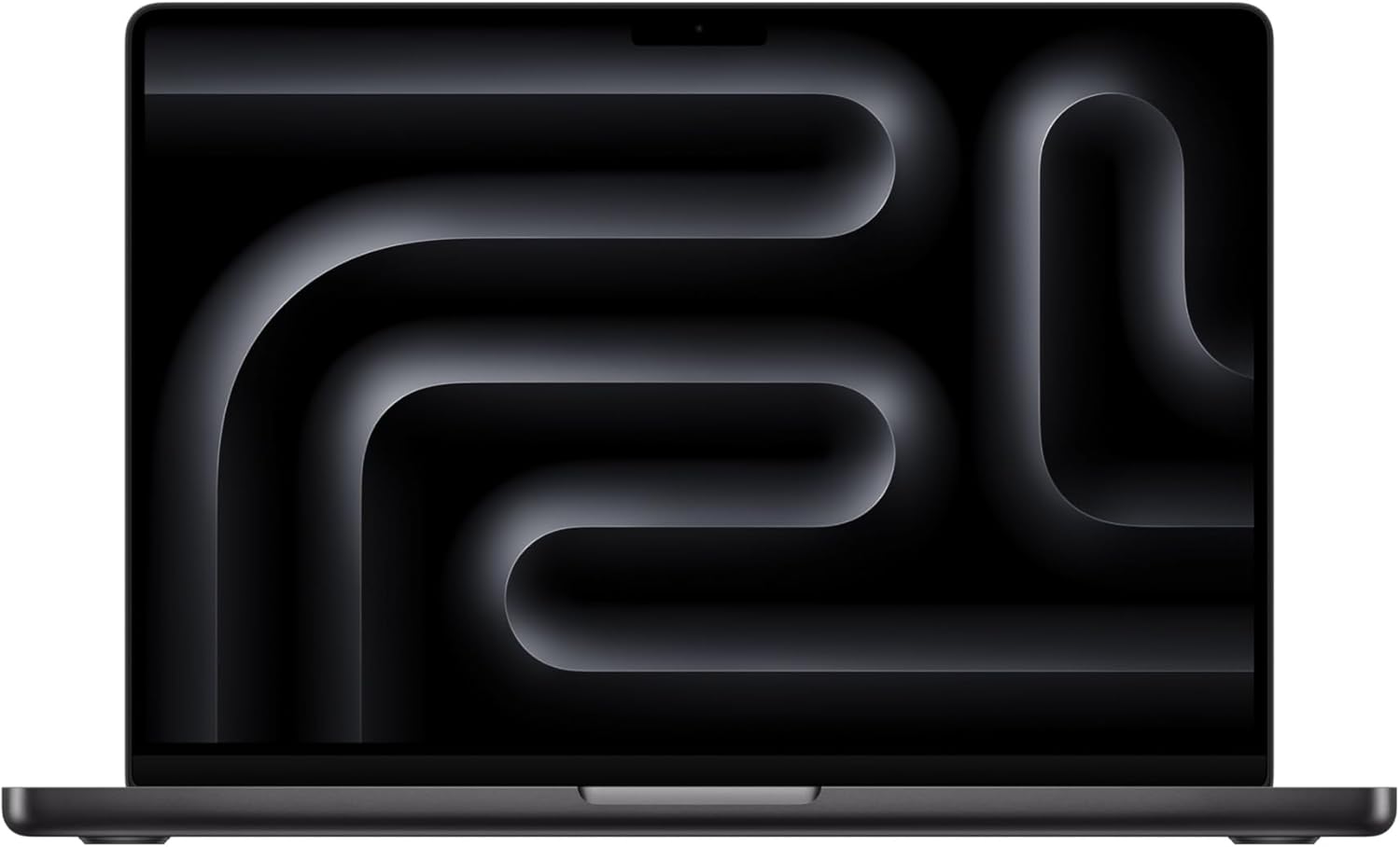
Refurbished Mac mini or MacBook Pro
A refurbished Apple silicon Mac can be a smart budget route if you want serious music-production performance without paying new-machine prices.
Why we like it
- An M1, M2, M3, or M4 Mac mini or MacBook Pro with 16GB RAM can still handle real production work.
- Refurbished Apple silicon machines often make more sense than a new low-end laptop with weak specs.
- A 512GB SSD is a better starting point than tiny internal storage, especially once plugins, projects, and background apps add up.
- A return policy from a reputable seller gives you more protection when buying used or refurbished gear.
Worth knowing
- A cheap Mac with 8GB memory and tiny storage may look tempting, but it can hit limits fast with plugins and samples.
Product Specs
Laptop or Desktop for Music Production?
Choose a laptop if you record in different places, collaborate in studios, perform live, or write while traveling.
Choose a desktop if you mostly work in one room and want more power, quieter cooling, bigger screens, easier upgrades, and better value.
For many producers, the best setup is a desktop at home and a smaller laptop for writing or mobile recording. If you can only buy one, pick the machine that fits where you actually make music.
Mac or Windows for Music Production?
Both work. The right choice depends on your software, workflow, and budget.
Choose Mac if:
- You use Logic Pro
- You want a stable laptop with strong battery life
- You prefer a low-maintenance setup
- Your plugins are Apple silicon compatible
Choose Windows if:
- You want more hardware choice
- You use Windows-only software or plugins
- You want an upgradeable desktop
- You need more performance for the money
Before switching platforms, check every DAW, plugin, interface driver, and sample library you rely on. Compatibility is more important than benchmark scores.
What Specs Matter Most?
CPU: The plugin engine
Your CPU affects track count, virtual instruments, effects chains, low-latency recording, and mix playback. A weak CPU means pops, crackles, frozen meters, and constant track freezing.
Prioritize a modern multi-core processor with strong single-core performance. Audio still depends heavily on real-time performance, so don’t buy based only on core count.
RAM: The sample-library cushion
RAM matters most when you use sample-based instruments, orchestral libraries, drum libraries, and large templates. For basic songwriting, 16GB can work. For serious production, 32GB is a safer floor.
On a Mac, unified memory isn’t upgradeable later. Buy more than you need today.
Storage: The speed you feel every day
Use an SSD. A slow hard drive can make large sessions, sample libraries, and project loading painful.
A good setup is:
- Internal SSD for your DAW, plugins, and active projects
- External SSD for large sample libraries
- Separate backup drive or cloud backup for finished sessions
Don’t run your only copy of a paid session from one portable drive. Back it up.
Ports: The boring detail that saves your session
Count your gear before you buy:
- Audio interface
- MIDI keyboard
- Control surface
- External SSD
- iLok or license dongle
- Monitor
- USB hub
Adapters work, but a studio built entirely on adapters can get annoying fast. If you record clients, stability matters more than desk aesthetics.
Fan noise: Easy to overlook, hard to ignore
A powerful computer that sounds like a hair dryer can ruin quiet vocal takes. If you record near the computer, choose a quiet desktop, a Mac mini, or a laptop known for calm fan behavior under load.
For loud towers, place the machine farther from the microphone and use longer cables where practical.
Minimum Specs by Producer Type
Beginner songwriter
- Apple M-series or modern Intel i5/Ryzen 5
- 16GB RAM
- 512GB SSD
- Basic USB audio interface
Beatmaker or electronic producer
- Apple M-series, Intel i7, or Ryzen 7
- 16GB to 32GB RAM
- 1TB SSD
- External SSD for samples
Mixing engineer
- M Pro, Intel i7/i9, or Ryzen 7/9
- 32GB RAM
- 1TB SSD
- Quiet cooling
- Large display or dual monitors
Film composer or orchestral producer
- M Pro/Max, Intel i9, or Ryzen 9
- 64GB RAM if possible
- Multiple SSDs
- Large monitor setup
- Strong backup system
Final Take: Buy for the Sessions You’ll Actually Run
Don’t buy a computer because it looks impressive on a spec sheet. Buy for the work you do every week.
If you’re writing songs, recording vocals, and mixing moderate sessions, a Mac mini, MacBook Pro, or strong Windows creator laptop with 16GB to 32GB RAM will serve you well. If you’re scoring films, running huge sample templates, or mixing dense sessions for clients, pay for more CPU, more RAM, and more storage now.
The right music production computer disappears while you work. You hit record, load the plugin, play the part, and stay in the idea.
Sources
- https://help.ableton.com/hc/en-us/articles/209775305-Computer-specifications-for-running-Ableton-Live
- https://kb.avid.com/pkb/articles/en_US/Knowledge/Pro-Tools-System-Requirements
- https://www.apple.com/macbook-pro/specs/
- https://www.apple.com/mac-mini/specs/

I can suggest related Tech Help Canada articles based on the topic you’re reading now.

Tech Help Canada Staff researches, writes, and reviews practical content for business owners and professionals. Our coverage spans business, marketing, SEO, technology, and the tools and systems people use to grow and operate online. We focus on clear, useful information backed by research, hands-on experience, and editorial review. Learn more about our team and editorial standards. Need help with something? Contact Us