
You can use CopyHub as a guest or as a logged-in member.
Guest mode is useful when you want to try CopyHub quickly without creating an account. Member mode is better when you want your work and saved settings connected to your account.
What guest mode means
When you use CopyHub as a guest, your work is stored only in the browser you’re using.
Guest work may still be there if you refresh the page or come back later on the same browser, but it isn’t connected to an account.
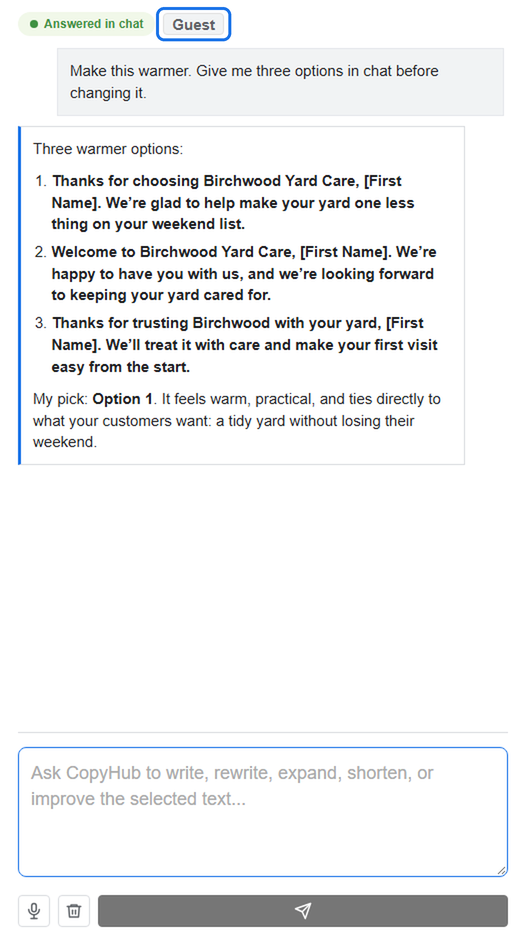
Guest work can be lost if you:
- Clear your browser or site data.
- Use private browsing.
- Switch devices.
- Use a different browser.
Guests also have a lower monthly request limit than members.
What member mode means
When you create a free account and log in, CopyHub can save documents and instructions to your account.
That gives you a more stable workspace for ongoing writing.
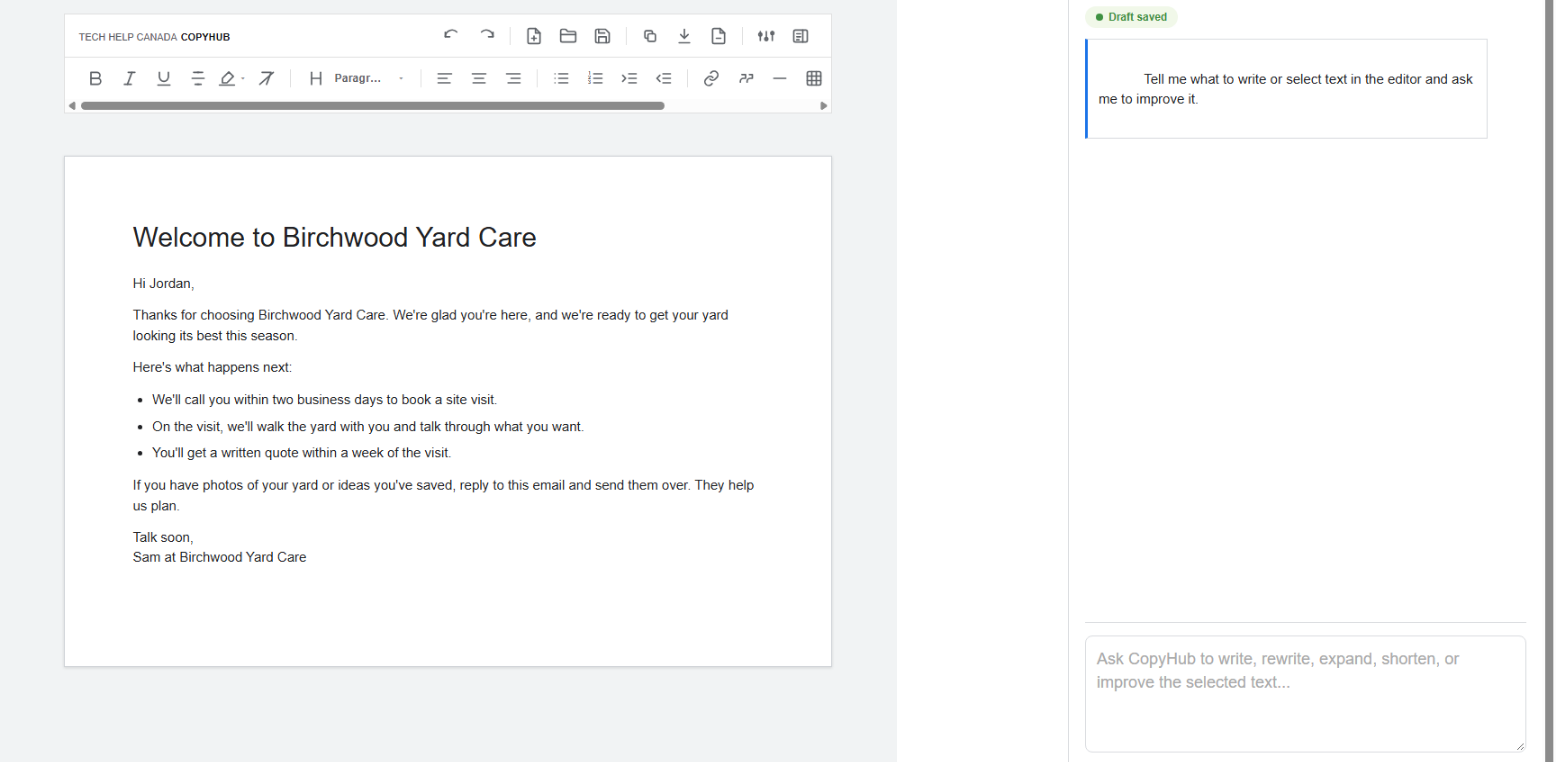
Free members get more monthly CopyHub requests than guests. Members can also save voice and instruction settings so they don’t have to repeat the same tone, business context, or writing rules every time.
Why guest work may not appear after login
Guest mode and member mode are separate.
This is intentional. It helps prevent account documents from showing up after someone logs out on a shared computer.
If you wrote something as a guest and then log in, that guest draft may not automatically appear inside your account workspace.
To move guest work into your account, copy or export the guest draft first, then log in, paste it into the editor, and save it again.
Which mode should you use?
Use guest mode if you just want to try CopyHub quickly.
Use member mode if you want saved documents, saved instructions, more monthly requests, and a better long-term writing workspace.
If you’re using a shared or public computer, either log in only when you’re comfortable doing so or use private guest mode when you don’t want guest work saved on that browser.

I can suggest related Tech Help Canada articles based on the topic you’re reading now.

Tech Help Canada Staff researches, writes, and reviews practical content for business owners and professionals. Our coverage spans business, marketing, SEO, technology, and the tools and systems people use to grow and operate online. We focus on clear, useful information backed by research, hands-on experience, and editorial review. Learn more about our team and editorial standards. Need help with something? Contact Us